Seedream 4.5 Guide: Editing, Examples, and Seedream 4 Comparison
A practical Seedream 4.5 guide using official ByteDance examples: image editing, reference consistency, text generation, Seedream 4 comparison, prompts, and pricing.

Seedream 4.5 is ByteDance's image model for generation and editing with stronger reference consistency, small-text rendering, portrait detail, and multi-image control than Seedream 4.0.
That is the short version. The more useful question is whether those strengths match the image you are making.
Use Seedream 4.5 when an existing person, product, composition, or visual identity needs to survive the edit. If you only need inexpensive concept exploration, Seedream 4 is often enough.
What is Seedream 4.5?
ByteDance's official Seedream 4.5 publication presents it as an upgrade focused on:
- Preserving facial features, lighting, color, and detail from reference images.
- Producing poster layouts, logos, and smaller or denser text more accurately.
- Following multi-image editing instructions with better consistency.
- Improving prompt alignment and visual quality over Seedream 4.0.
BytePlus's release documentation lists the API model ID as seedream-4-5-251128 and highlights improved editing consistency, portraits, and small-text generation.
In Nenis, Seedream 4.5 currently costs 5 credits per output. You can select it in the generator or use it for a controlled edit in Canvas without configuring an API account.
Seedream 4 vs Seedream 4.5
Seedream 4 remains useful. It is the lower-cost option at 4 Nenis credits per output, so it is a sensible model for moodboards, early compositions, and trying several directions.
Seedream 4.5 costs one more credit because it is the more controlled option in the current Nenis lineup.
| What you are making | Start with |
|---|---|
| Fast visual exploration | Seedream 4 |
| Several inexpensive variations | Seedream 4 |
| An edit that must preserve a person | Seedream 4.5 |
| A product image that must retain its shape | Seedream 4.5 |
| A composition built from several references | Seedream 4.5 |
| A poster with small or dense text | Seedream 4.5 |
This is a workflow recommendation, not a claim that 4.5 wins every prompt. The source image, instructions, output size, and random variation can still change the result.
Official Seedream 4.5 examples
1. Reference consistency
ByteDance's showcase emphasizes keeping the important visual information from a source while changing the surrounding scene.
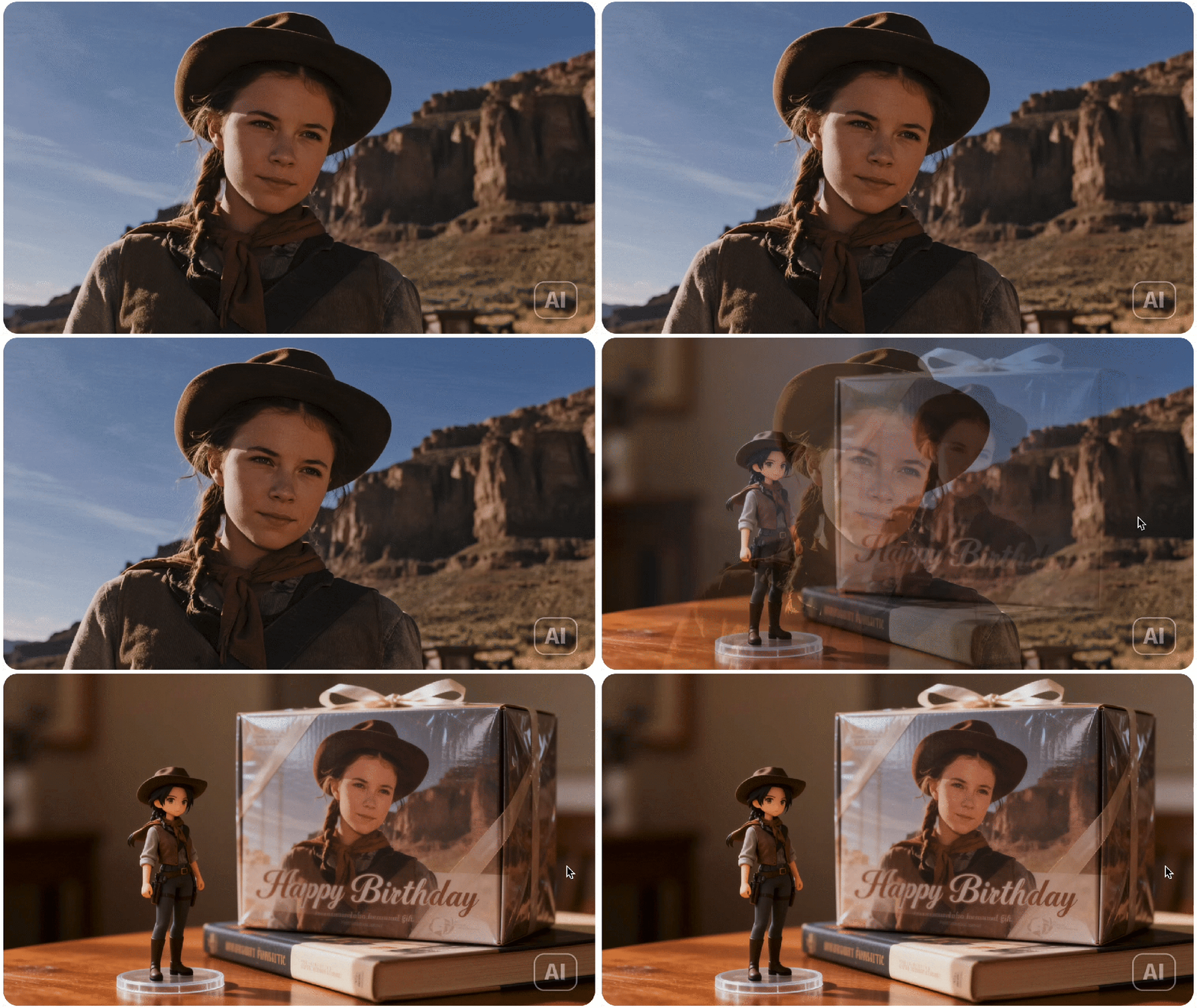
This is useful for portrait restyling, campaign variations, character concepts, and any edit where “make a new image” must not become “make a new person.”
2. Brand and layout work
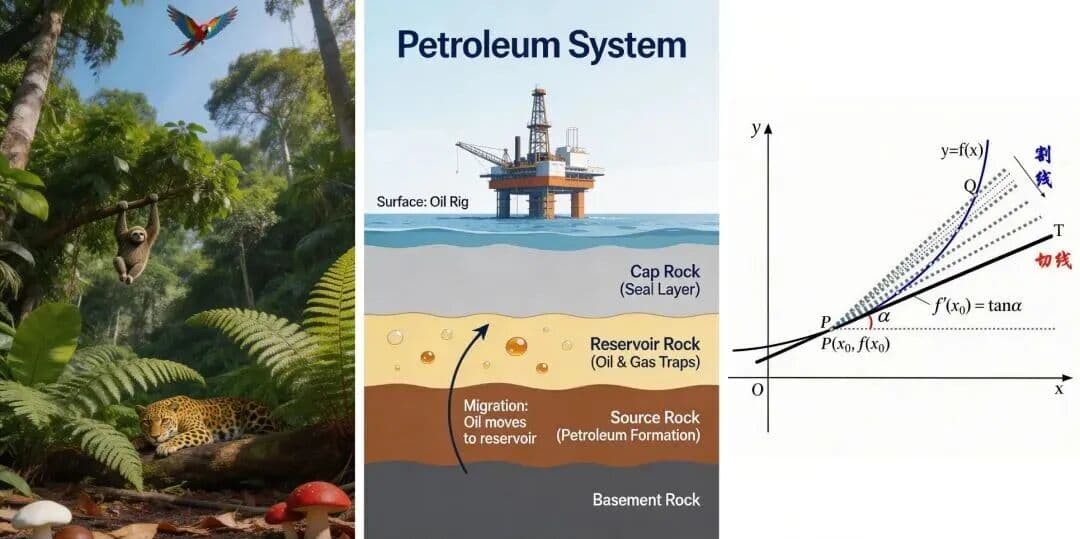
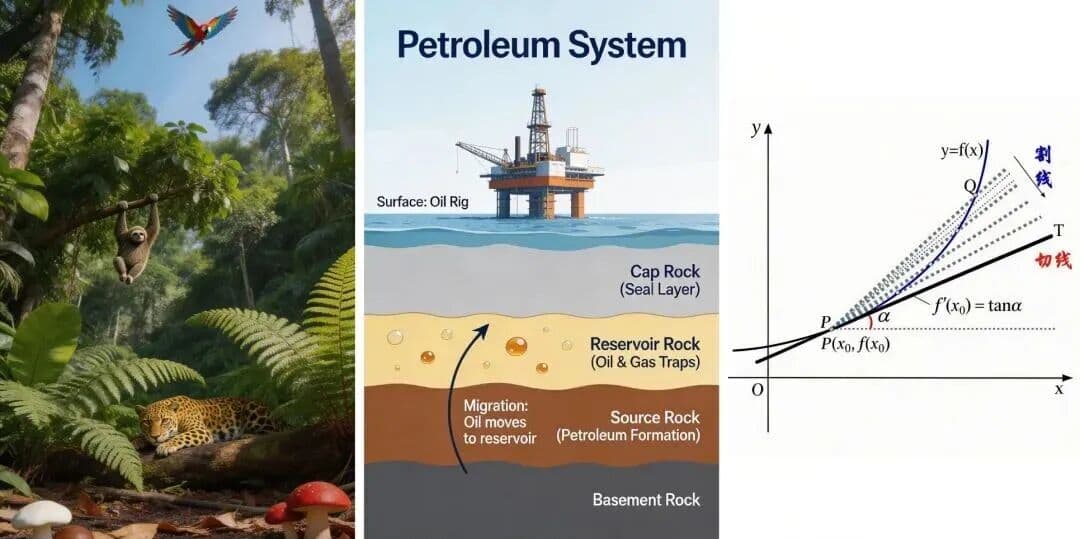
The official publication also shows brand assets and poster-style compositions. ByteDance specifically calls out improved logo design, layout, and small-text rendering.

No image model makes typography risk-free. Check every letter before publishing an ad, package, menu, or public sign, especially when legal or product information is involved.
3. Multi-reference composition
Seedream 4.5 can use several inputs for different jobs: one for the subject, another for lighting, and another for visual style.

The key is to assign each reference a role rather than asking the model to “combine these” without boundaries.
How to edit an image with Seedream 4.5
Open an image in Nenis Canvas, select Seedream 4.5, and make one clear change at a time. A strong editing prompt has four parts:
- The requested change.
- What must stay unchanged.
- The visual treatment of the new area.
- What the model should avoid.
For a product-background edit:
Replace the background with a warm bathroom shelf scene.
Keep the product shape, cap, label area, color, and camera angle unchanged.
Match the product with soft morning light and realistic contact shadows.
Do not add extra products, alter the packaging, or invent label text.
For a portrait edit:
Turn this portrait into a cinematic campaign still on a rainy city street.
Keep the person's facial identity, hairstyle, pose, and yellow jacket unchanged.
Use realistic evening light, subtle reflections, and shallow depth of field.
Do not add other people or change the person's age or facial structure.
Specific preservation instructions matter more than repeating “keep it the same.” Name the exact details that define the subject.
How to use multiple reference images
Number the inputs and explain what each one contributes:
Use image 1 as the exact product reference.
Use image 2 only for its soft side lighting.
Use image 3 only for the cream and charcoal color palette.

Create a square marketplace hero image on a simple studio surface.
Preserve the product's proportions, material, color, and label area.
Do not copy objects or text from images 2 and 3.
This reduces ambiguity. The model knows which source owns the subject and which sources only influence the treatment.
If you are editing a real product photo, use the preservation-first workflow in our marketplace product photography guide.
Does Seedream 4.5 generate text well?
ByteDance highlights small and dense text as one of the model's improvements. That makes Seedream 4.5 a reasonable option for ideating posters, visual headlines, labels, and interface concepts.
For text that matters:
- Put the exact wording in quotation marks.
- Keep the first attempt short.
- Specify where the text belongs.
- Ask for a clean font category, not a specific copyrighted typeface.
- Inspect spelling, dates, numbers, and claims before publishing.
Use generated text as a visual draft. For guaranteed accuracy, add final copy in a design tool after the image is approved.
What do the official benchmarks show?
ByteDance reports that Seedream 4.5 improved over Seedream 4.0 on its internal MagicBench evaluation for prompt adherence, alignment, and aesthetics.
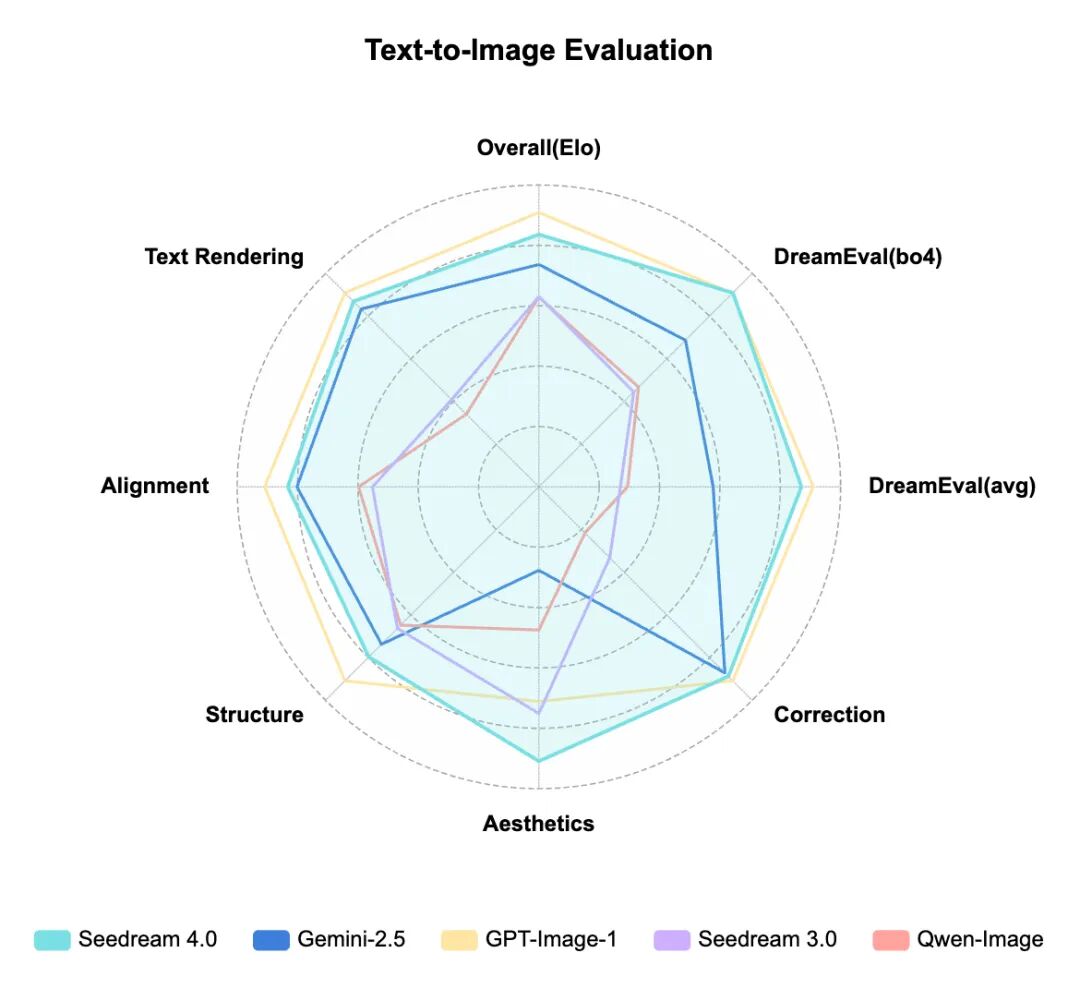
Treat this as vendor-reported evidence, not an independent head-to-head test. It is useful for understanding what ByteDance optimized, but it does not guarantee that 4.5 will be better for every image or workflow.
Is Seedream 4.5 unrestricted?
No. “Unrestricted” is not an accurate description of Seedream 4.5 or of image generation through Nenis. Model providers and the applications serving them can apply safety policies, acceptable-use rules, and technical limits.
The practical approach is to choose a model for its creative strengths—not because a third-party page claims it has no rules.
Seedream 4.5 pricing
BytePlus currently lists Seedream 4.5 at $0.04 per output image on its ModelArk pricing page. Direct API pricing can change, and building with the API also means handling integration, storage, retries, monitoring, and your own user experience.
Nenis currently charges 5 credits per Seedream 4.5 output. Credits are purchased once, do not renew automatically, and can also be used across the other models and tools available in Nenis.
If you are deciding between an app and a programmable service, read Nenis vs direct AI image APIs.
A practical Seedream workflow
- Use Seedream 4 for inexpensive exploration when the direction is still open.
- Choose the strongest composition.
- Open it in Canvas or upload the source image you need to preserve.
- Use Seedream 4.5 for the controlled change.
- Review identity, product geometry, text, hands, edges, and reflections at full size.
- Make one focused correction instead of rewriting the entire prompt.
- Move to another model only when the remaining problem matches that model's strengths.
The takeaway
Seedream 4.5 is most useful when an image needs both change and continuity. It can generate from scratch, but its clearest advantage over Seedream 4 is controlled work with people, products, text, and multiple references.
Use official showcases to understand what the model was built to do. Then judge it with your own source images and publishing requirements.
Official sources and image credits
- ByteDance Seed: Seedream 4.5 official model publication and showcase
- BytePlus: Seedream 4.5 announcement
- BytePlus ModelArk: Seedream 4.5 release documentation
- BytePlus ModelArk pricing
All Seedream showcase images in this article are credited to ByteDance Seed. They are included to explain the model maker's published examples and are not presented as independent Nenis test results.