Nenis vs Direct AI Image APIs: Which Workflow Should You Use?
A fair comparison of creating images in Nenis versus using OpenAI, Gemini, and ByteDance image APIs directly, including setup, control, pricing, storage, and automation.
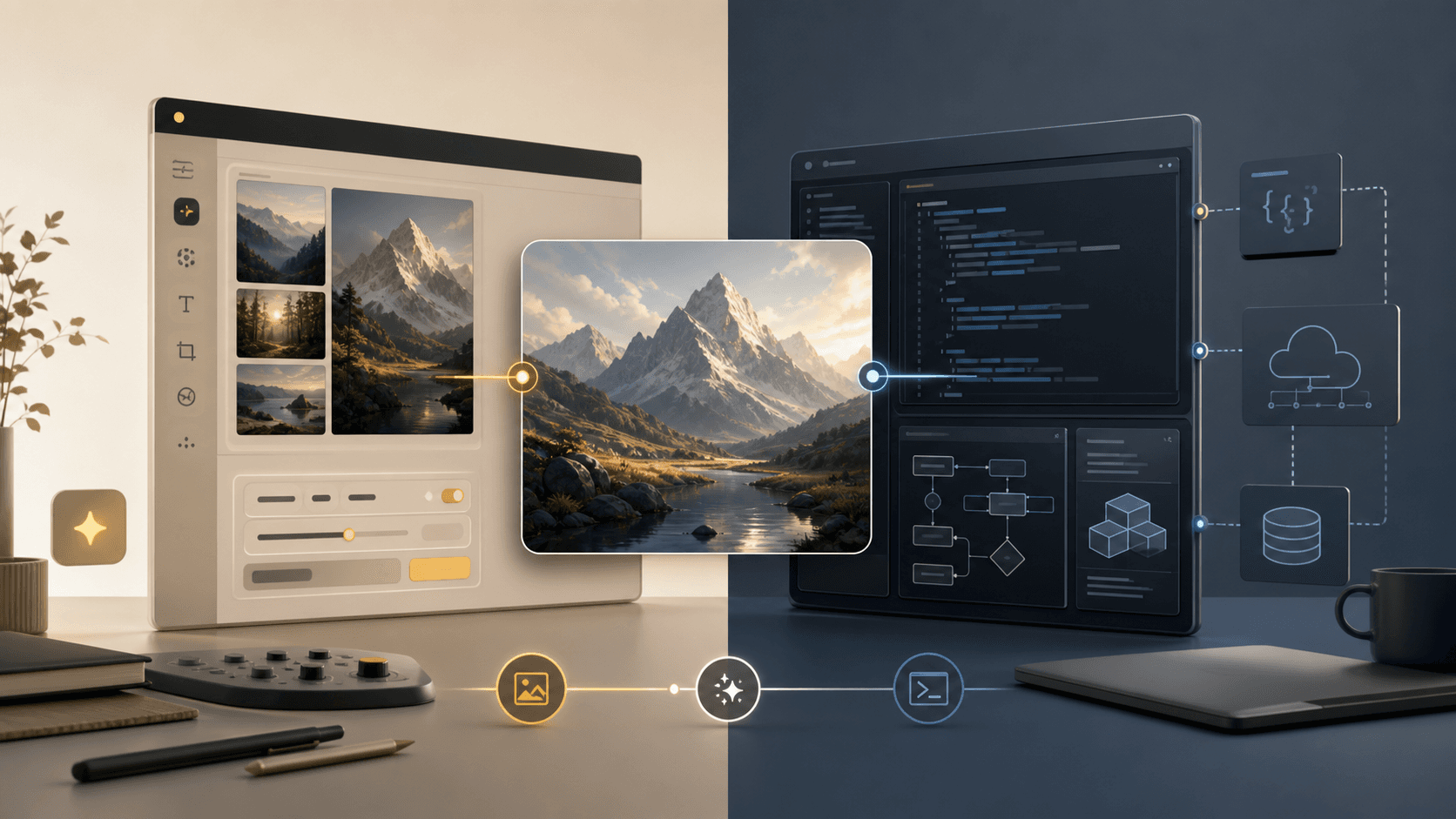
Nenis and direct image APIs can reach some of the same underlying model families, but they are not interchangeable products.
Nenis is a visual creative workspace. An official API is a programmable building block.
Use Nenis when you want to create, compare, edit, and manage images without building the surrounding software. Use an official API when you need automation, application integration, provider-level controls, or complete ownership of the workflow around the model.
The short comparison
| Need | Better starting point |
|---|---|
| Create an image manually without code | Nenis |
| Compare several model families in one interface | Nenis |
| Use guided templates and a visual gallery | Nenis |
| Generate through your own product or backend | Direct API |
| Automate thousands of requests | Direct API |
| Control storage, retries, queues, and observability | Direct API |
| Use raw provider features as soon as you implement them | Direct API |
| Avoid maintaining an image-generation integration | Nenis |
Neither path is universally better. They optimize for different kinds of work.
What using a direct API involves
Official documentation for OpenAI and Google shows image generation through SDK or HTTP requests. A production integration normally needs more than the request itself.
You may need to manage:
- Provider accounts, billing, and API credentials.
- Request construction and image encoding.
- Model-specific parameters and validation.
- Rate limits, timeouts, retries, and failed jobs.
- File storage and signed delivery URLs.
- A database for jobs, assets, and usage history.
- Moderation, permissions, and abuse controls.
- Cost calculation and user-facing billing.
- A frontend if non-developers need to use it.
That work is not a flaw. It is what gives an engineering team complete control.
What Nenis adds around the models
Nenis provides one visual workflow across GPT Image, Nano Banana, and Seedream models, plus utility tools and guided templates.
The studio handles:
- Model selection and compatible controls.
- Image and reference uploads.
- Price calculation before generation.
- Job submission and progress.
- Output storage and gallery access.
- Canvas editing.
- Upscaling and background removal.
- One credit balance across providers.
You trade infrastructure control for a simpler creative experience.
Pricing is not an apples-to-apples comparison
Official APIs expose raw provider pricing. For example, OpenAI prices GPT Image models using image and text tokens, Google documents model-specific image or token pricing, and BytePlus lists Seedream output-image prices in ModelArk.
Nenis converts provider costs and the surrounding service into whole credits. Those credits also support the interface, job system, storage, gallery, templates, and cross-provider workflow.
If your only goal is the lowest possible raw inference cost at large scale, direct API access can be more economical. If you would otherwise spend time building and maintaining the workflow, raw model price is only one part of the cost.
Model access and portability
Direct API integrations are provider-specific. OpenAI, Google, and ByteDance use different model names, parameters, request formats, billing units, and limitations.
Nenis normalizes the common creative choices while still showing only controls that a selected model can honor. That makes switching models easier for a person, but it cannot expose every provider-specific option without becoming as complex as the APIs themselves.
Choose direct access when a particular low-level option is essential. Choose the studio when quickly trying the same creative direction across model families matters more.
Data and operational control
A direct integration lets your team choose storage location, retention, access policy, logs, and downstream processing. That can be necessary for regulated, enterprise, or deeply integrated workloads.
With a hosted creative tool, review its privacy policy and terms instead of assuming the data path. Consider:
- What is uploaded to model providers?
- How long are generated assets retained?
- Who can access project files?
- Can assets be deleted?
- Are outputs used for model training?
- Which regions and subprocessors are involved?
The correct choice depends on the sensitivity of the images and the control your organization requires.
When to start with Nenis
Use Nenis when:
- A creator or marketer needs results today.
- The workflow is manual or low-volume.
- You want several current model families without separate provider setup.
- Templates, reference handling, Canvas, and a gallery are useful.
- You want one visible credit price before each action.
When to build with official APIs
Use official APIs when:
- Image generation is a feature inside your own product.
- Jobs must run automatically from data or events.
- You need custom queues, storage, logging, or governance.
- Request volume justifies engineering investment.
- A provider-specific capability is required.
- Your team is prepared to maintain the integration as models change.
A sensible migration path
The decision does not have to be permanent.
- Test creative directions manually in Nenis.
- Identify which model and settings consistently work.
- Estimate real usage volume and operational requirements.
- Move to a direct API only if automation or infrastructure control justifies it.
This avoids building an integration before the team knows which creative workflow is valuable.
The recommendation
Creators, small teams, and occasional users should start with the simpler studio workflow. Developers building a repeatable product feature should use the official API.
Nenis is not a replacement for provider infrastructure. The APIs are not a ready-made creative application. Choose the layer you actually need.
Sources and image credits
API workflow and pricing references come from the official OpenAI API pricing page, OpenAI image generation guide, Google Gemini image generation documentation, Google Gemini API pricing, and BytePlus ModelArk pricing. Prices and model availability change; use the linked provider pages for current figures. Nenis behavior is based on the current Nenis credit workflow. The hero illustration was generated specifically for this article.