How to Write AI Image Prompts That Actually Work
A practical Nenis guide to writing better AI image prompts for image generation, photo editing, product visuals, posters, thumbnails, and social content.
The fastest way to improve your AI images is not to use a longer prompt.
It is to write a clearer one.
Most weak AI images fail for boring reasons: the model did not know the asset type, the subject was vague, the style was overloaded, the text was not quoted, or the edit did not say what should stay unchanged.
Nenis gives you access to several image models from OpenAI, Google Gemini, and ByteDance Seedream. They can generate new images, edit existing photos, use references, create text-heavy visuals, and build polished drafts. But they still need direction.
This guide is the practical prompt formula.
The Simple Prompt Formula
Use this structure when you want dependable results:
Create [asset type] for [use case].
Subject: [who or what is in the image].
Composition: [framing, angle, aspect ratio, layout].
Scene: [location, background, props, environment].
Style: [visual style, mood, color, finish].
Lighting: [time of day, studio light, shadows, contrast].
Text in image: "[exact words]" placed [where/how].
Preserve: [important details if editing or using references].
Avoid: [mistakes you do not want].
You do not need every line every time.
For a quick idea, use the first four. For a product image, add preserve and avoid. For a poster or thumbnail, add exact text. For a reference-based image, give each uploaded image a role.
A good prompt tells the model what the image is supposed to become.
Start With The Asset Type
"Make something cool" is not a brief.
"Create a square ecommerce product image" is a brief.
The asset type changes everything: composition, crop, spacing, text, and polish.
Good asset types:
- Square ecommerce product image.
9:16Instagram story ad.- YouTube thumbnail.
- Product launch poster.
- Blog hero image.
- Clean before-and-after photo edit.
- Editorial lifestyle photo.
- Simple educational infographic.
Use this:
Create a 9:16 Instagram story ad for a skincare product.Not this:
Make a nice skincare image.The first prompt gives the model a canvas and a job.
Describe The Subject Like It Matters
The subject is the center of the image.
If the subject is vague, the model has to invent. That is fine for moodboards. It is dangerous for product photos, personal images, and brand visuals.
Use concrete details:
- What is the subject?
- What is it doing?
- What should be visible?
- What should be avoided?
- Does it need to stay recognizable?
Example:
Subject: a matte white ceramic coffee mug with a small blue logo, centered on a wooden cafe table. The handle is visible on the right. Keep the logo area clean and readable.That is stronger than:
A coffee mug on a table.Composition Is Where The Image Becomes Useful
Composition tells the model how to frame the shot.
This is especially important for social media, ads, posters, thumbnails, product photos, and blog images.
Useful composition details:
- Aspect ratio: square,
16:9,9:16,4:5. - Framing: close-up, wide shot, flat lay, full body, product centered.
- Camera angle: eye level, top-down, low angle, three-quarter view.
- Layout: space for headline, product on the right, subject centered.
- Depth: shallow depth of field, sharp background, clean negative space.
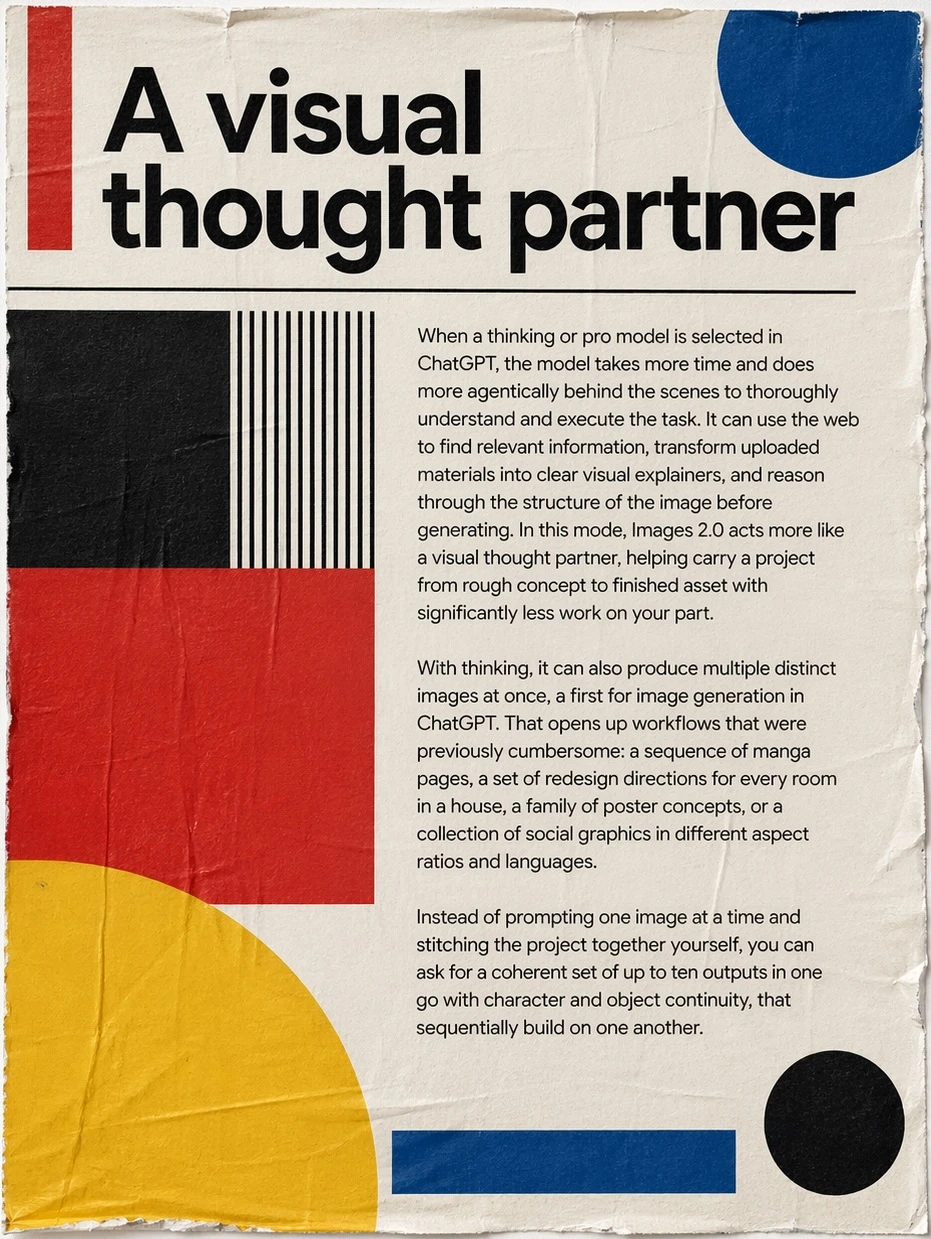
Prompt example:
Create a 16:9 blog hero image.
Composition: product on the right, clean empty space on the left for a headline, eye-level camera, soft background blur.
If you want an image you can actually use in a layout, say where the empty space should go.
Style Should Be Specific, Not A Pile Of Adjectives
AI image prompts often get worse when the style section becomes a stack of beautiful words.
Use a style that points somewhere clear.
Good:
Style: premium editorial product photography, soft natural colors, minimal props, realistic shadows.Weaker:
Beautiful, cinematic, stunning, ultra-detailed, award-winning, magical, professional, viral.The second prompt sounds exciting, but it does not give the model a stable target.
For Nenis, think in practical style categories:
- Photorealistic product photography.
- Clean ecommerce studio shot.
- Editorial lifestyle image.
- Soft watercolor illustration.
- Minimal vector icon style.
- 3D clay render.
- Cinematic still.
- Magazine poster design.
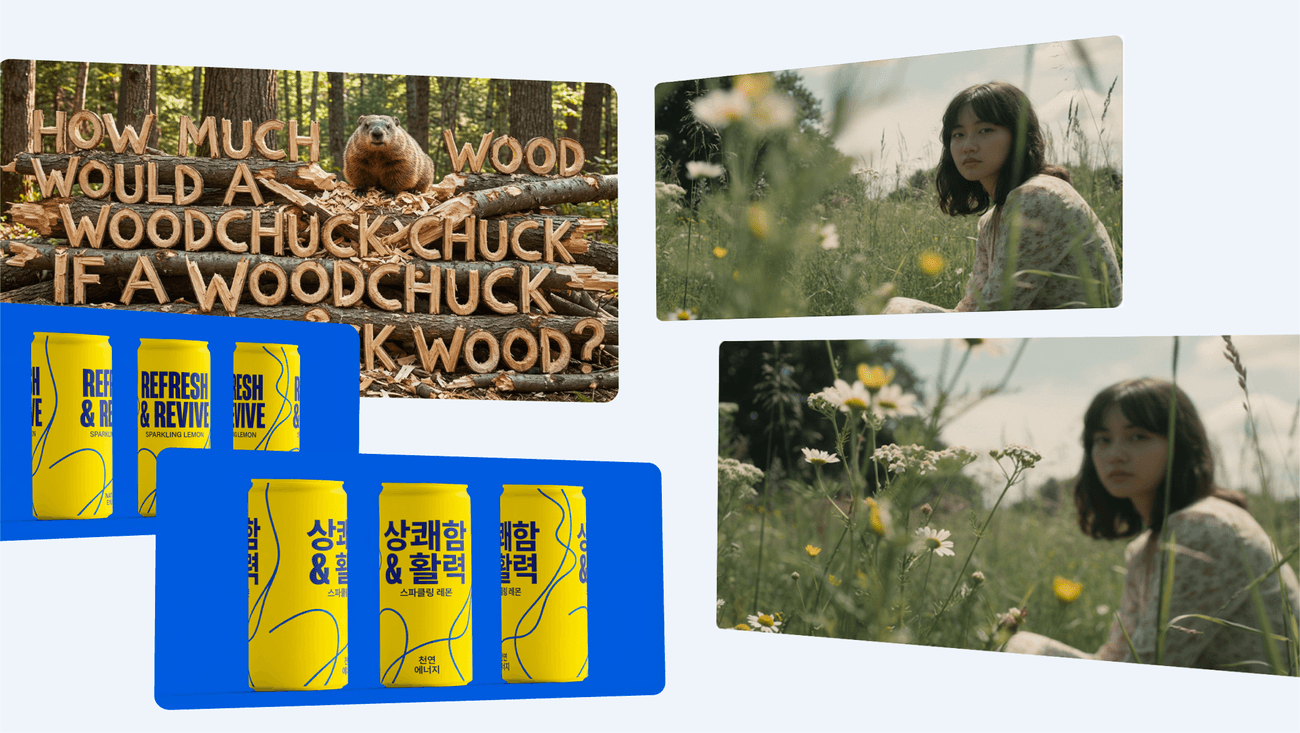
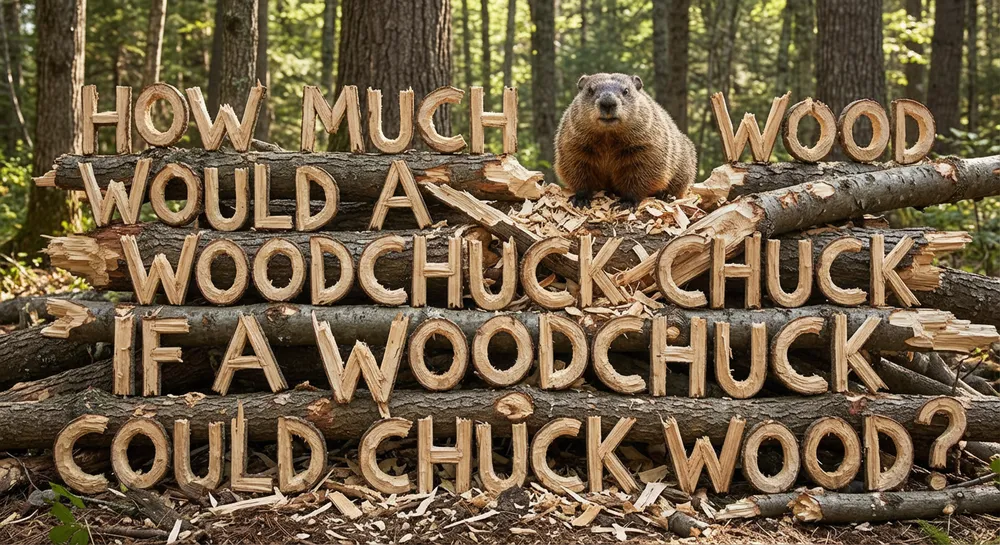
Quote Exact Text
If the image needs words, treat text like a design requirement.
The official Google Nano Banana Pro prompt guide recommends clearly stating the text and how it should appear. The BytePlus Seedream prompt guide gives the same practical rule: put text that should appear in the image inside quotation marks.
Use this:
Text in image: "SUMMER RESET" as the main headline at the top, bold white sans-serif, with "new skincare routine" as a small subtitle below.Not this:
Make a summer poster with a title about summer reset.For text-heavy images, use stronger models in Nenis, such as GPT Image 2 or Nano Banana Pro, when the output needs to look publishable.
Editing Prompts Need A Preservation Line
When editing a photo, the most important part of the prompt is often what should not change.
Use this:
Edit this photo into a clean product lifestyle image.
Change the background to a warm bathroom shelf scene.
Preserve the bottle shape, label area, cap color, product position, and realistic shadows.
Avoid changing the logo, adding extra bottles, or warping the label.
The preservation line is what separates an edit from a new image loosely inspired by the original.
This matters for:
- Product photos.
- Personal portraits.
- Brand assets.
- Room edits.
- Outfit changes.
- Background replacement.
- Object removal.
Pick The Model By The Job
Nenis supports different image models because image work has different stages.
| Job | Good Nenis starting point |
|---|---|
| Cheap visual exploration | GPT Image 1 Mini or Seedream 4 |
| Everyday polished drafts | GPT Image 1.5, Nano Banana 2, or Seedream 4.5 |
| Final assets with text or structure | GPT Image 2 or Nano Banana Pro |
| Fast edits and simple changes | Nano Banana or Seedream 4 |
| Reference-heavy product or brand work | Nano Banana Pro, GPT Image 2, GPT Image 1.5, or Seedream 4.5 |
The model matters, but the brief still matters more than most people expect.
Use cheaper models to explore. Use stronger models when the prompt has constraints.
Five Ready-To-Use Prompt Templates
Product Photo
Create a square ecommerce product photo.
Subject: the uploaded product, centered and fully visible.
Scene: clean warm studio surface with subtle shadows.
Style: realistic premium product photography, minimal props.
Lighting: softbox light from the upper left.
Preserve: product shape, label area, colors, and logo placement.
Avoid: extra products, warped label, unreadable text, fake brand marks.
Social Ad
Create a 9:16 social media ad for a handmade candle brand.
Subject: one amber glass candle jar on a linen surface.
Composition: product in the lower third, empty space at the top.
Style: calm editorial lifestyle photography.
Text in image: "SLOW EVENINGS" as the headline and "hand-poured soy candles" as small supporting text.
Avoid: clutter, misspelled text, extra logos.
Photo Edit
Edit this image.
Remove the distracting object on the left side.
Keep the person, pose, clothing, lighting, background perspective, and image crop unchanged.
Fill the removed area naturally with matching texture and shadows.
Avoid changing the face or adding new objects.
Blog Hero
Create a 16:9 blog hero image about AI image editing.
Subject: a clean desktop workspace with a photo-editing screen and simple creative assets.
Composition: wide shot, calm negative space on the left, screen on the right.
Style: modern creator workspace, realistic, warm daylight.
Avoid: readable fake UI text, clutter, distorted hands, brand logos.
Poster With Text
Create a vertical product launch poster.
Subject: a sparkling citrus drink can with condensation.
Composition: can centered, citrus slices around the base, clean headline area above.
Style: bright summer campaign photography with crisp shadows.
Text in image: "CITRUS LIFT" as the main headline and "fresh energy" as the subtitle.
Avoid: misspelled words, extra cans, fake nutrition claims, warped label.
Common Prompt Mistakes
Avoid these when the image matters:
- Asking for a final asset without saying the asset type.
- Using many style adjectives but no composition.
- Forgetting aspect ratio.
- Asking for text without quoting the exact words.
- Uploading references without saying what each one is for.
- Editing a photo without saying what should stay unchanged.
- Using the most expensive model before testing the direction.
The takeaway
Good AI image prompts are not magic spells.
They are small creative briefs.
Tell Nenis the asset type, subject, composition, style, lighting, exact text, preservation rules, and mistakes to avoid. Then choose the model that matches the stage of work.
The clearer the job, the less you waste credits chasing the image you meant in the first place.
Sources and image credits
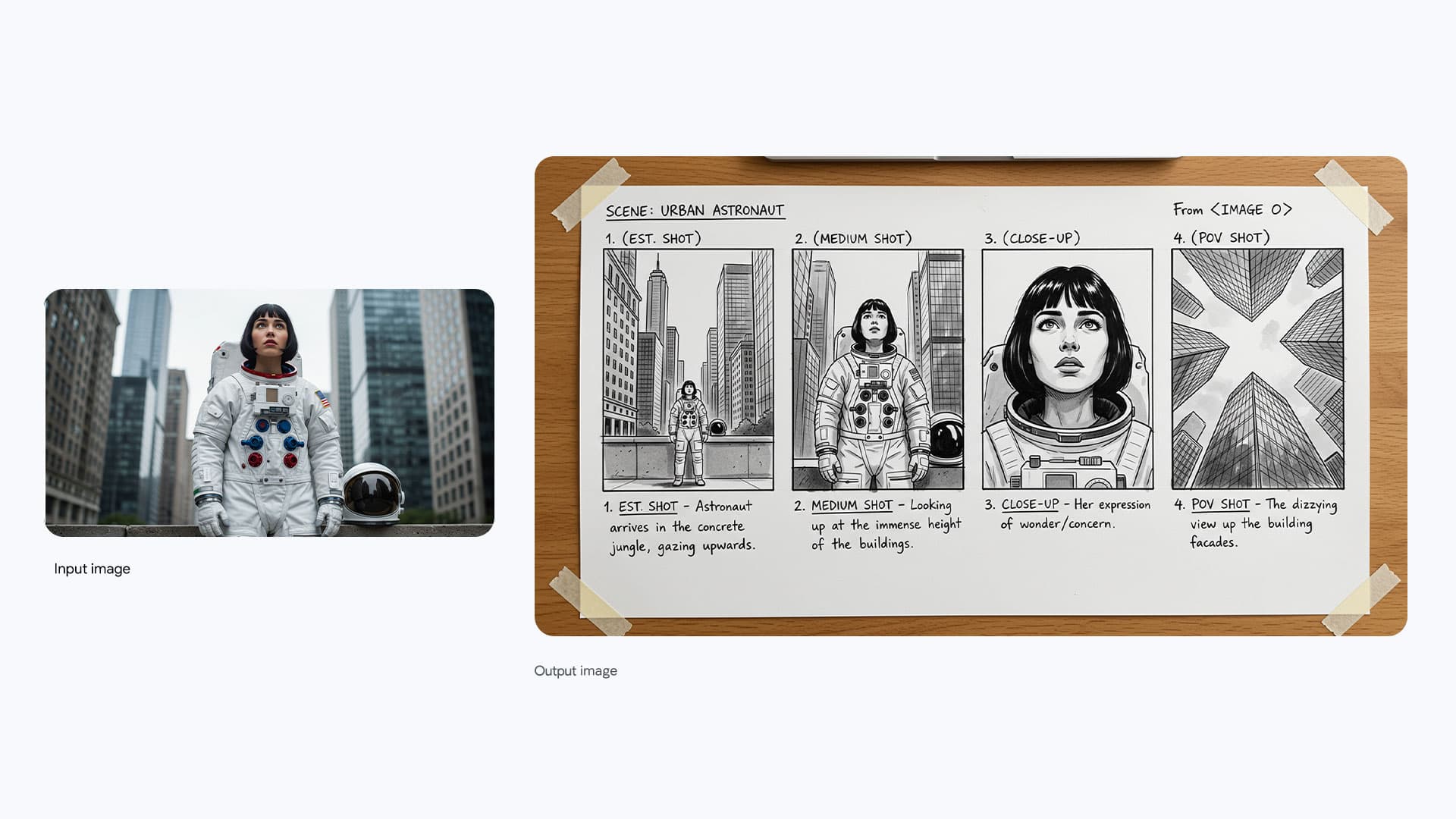
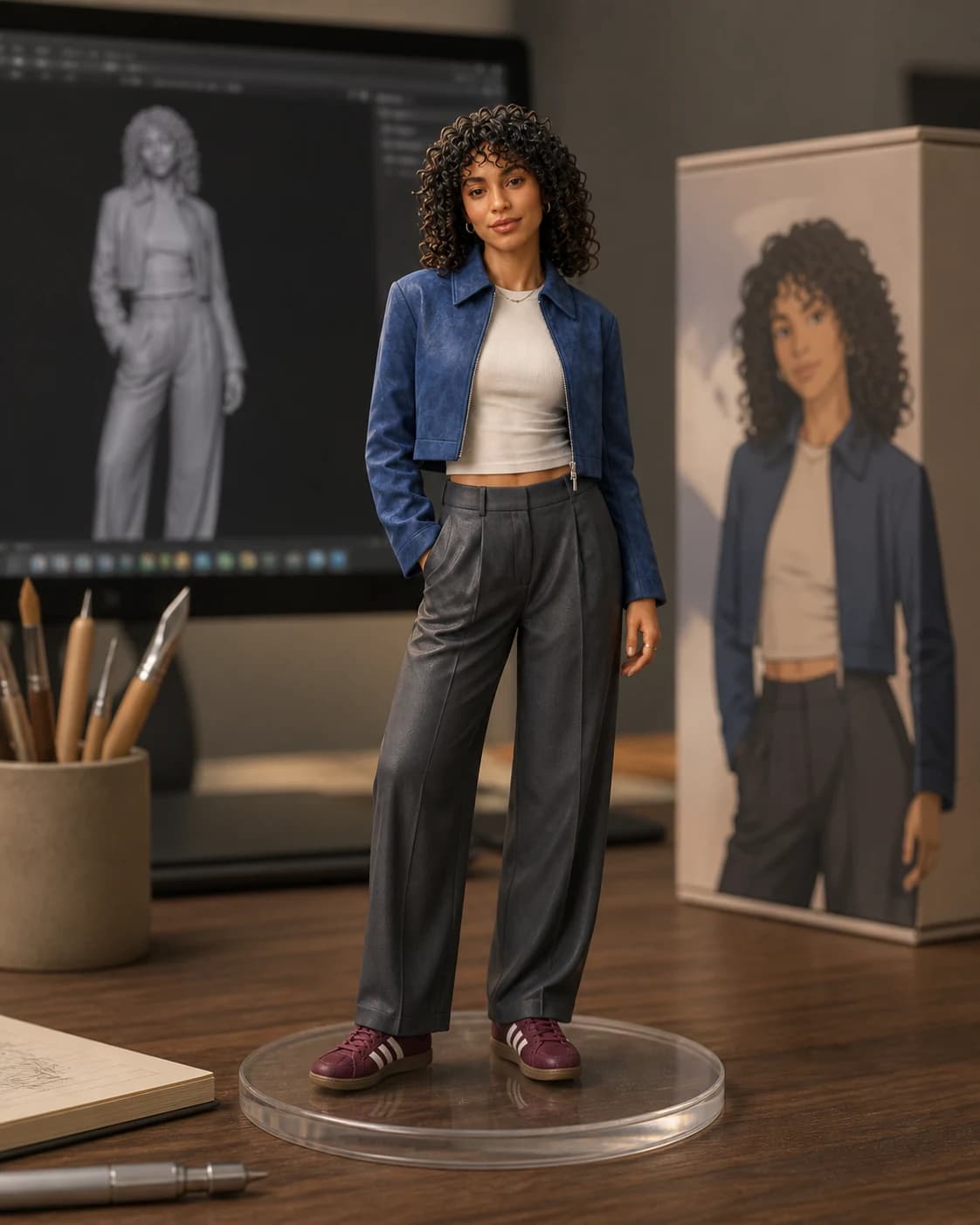
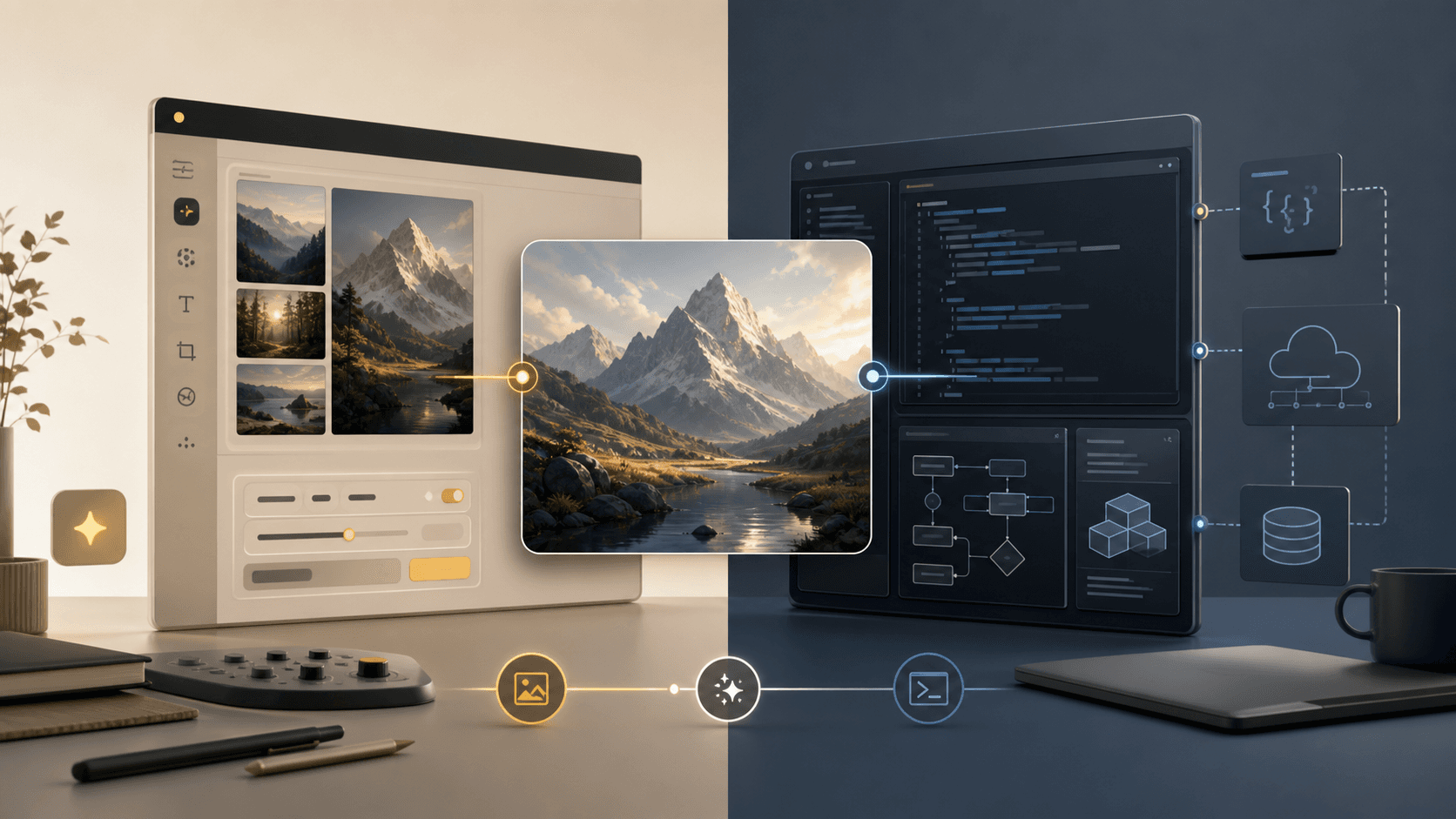
This article is based on OpenAI image generation documentation, OpenAI's ChatGPT Images 2.0 launch examples, Google's official Nano Banana Pro prompting guide, and the BytePlus Seedream 4.0-4.5 prompt guide. Images are official OpenAI and Google examples.