GPT Image 1 Mini: The Fast OpenAI Model for Cheap Creative Iteration
A creator-focused guide to GPT Image 1 Mini in Nenis: when to use OpenAI's lower-cost image model for drafts, style tests, transparent assets, quick concepts, and early edits.
GPT Image 1 Mini is the model you use before the idea gets expensive.
That is its whole charm.
In Nenis, GPT Image 1 Mini costs 6 credits per output, making it the lowest-cost OpenAI image model in the current Nenis lineup. It is not the model for every final campaign asset. It is the model for getting unstuck, trying variations, and finding the direction worth improving.
What GPT Image 1 Mini Is Good At
OpenAI describes gpt-image-1-mini as a cost-efficient version of GPT Image 1. It accepts text and image inputs and produces image outputs.
That makes it useful in the messy part of creative work:
- You are not sure what style you want.
- You need a few visual directions.
- You want a simple asset, not a perfect campaign.
- You are testing a prompt formula.
- You want to see whether an idea is worth a stronger model.
Mini is for momentum.
Best Uses In Nenis
Use GPT Image 1 Mini for work where quantity and speed matter more than maximum precision.
| Use case | Why Mini fits |
|---|---|
| Prompt exploration | Try several directions before committing credits |
| Social drafts | Make quick post concepts, backgrounds, and thumbnails |
| Icon and object ideas | Explore simple visual systems and isolated assets |
| Moodboards | Generate visual language before the final asset |
| Low-stakes edits | Make quick changes where perfect fidelity is not required |

The Mini Mindset
Do not ask Mini to be your art director, designer, retoucher, copywriter, and production studio all at once.
Give it small jobs.
Better:
Create five visual directions for a cozy handmade candle brand.
Square format.
Each direction should feel different: calm spa, winter gift, warm kitchen, minimal luxury, and rustic market.
No text.
Harder than it needs to be:
Create the final homepage hero, product ad, label system, brand campaign, exact typography, and packaging mockup in one image.Mini is at its best when the prompt is light enough that you can judge the idea quickly.
Where It Beats Bigger Models
GPT Image 2 is stronger. GPT Image 1.5 is more capable. That does not make Mini useless.
Mini wins when:
- You want more attempts for the same creative budget.
- You are testing style, not final accuracy.
- You do not need lots of readable text.
- You are exploring simple icons, objects, scenes, or backgrounds.
- You want to decide whether the idea deserves a better model.
Prompt Formula For Mini
Mini benefits from shorter prompts with clear boundaries.
Use this:
Create [simple asset type].
Subject: [what should appear].
Style: [visual mood].
Format: [square, portrait, landscape].
Keep it simple.
Avoid: [text, clutter, extra objects, distorted details].
Examples:
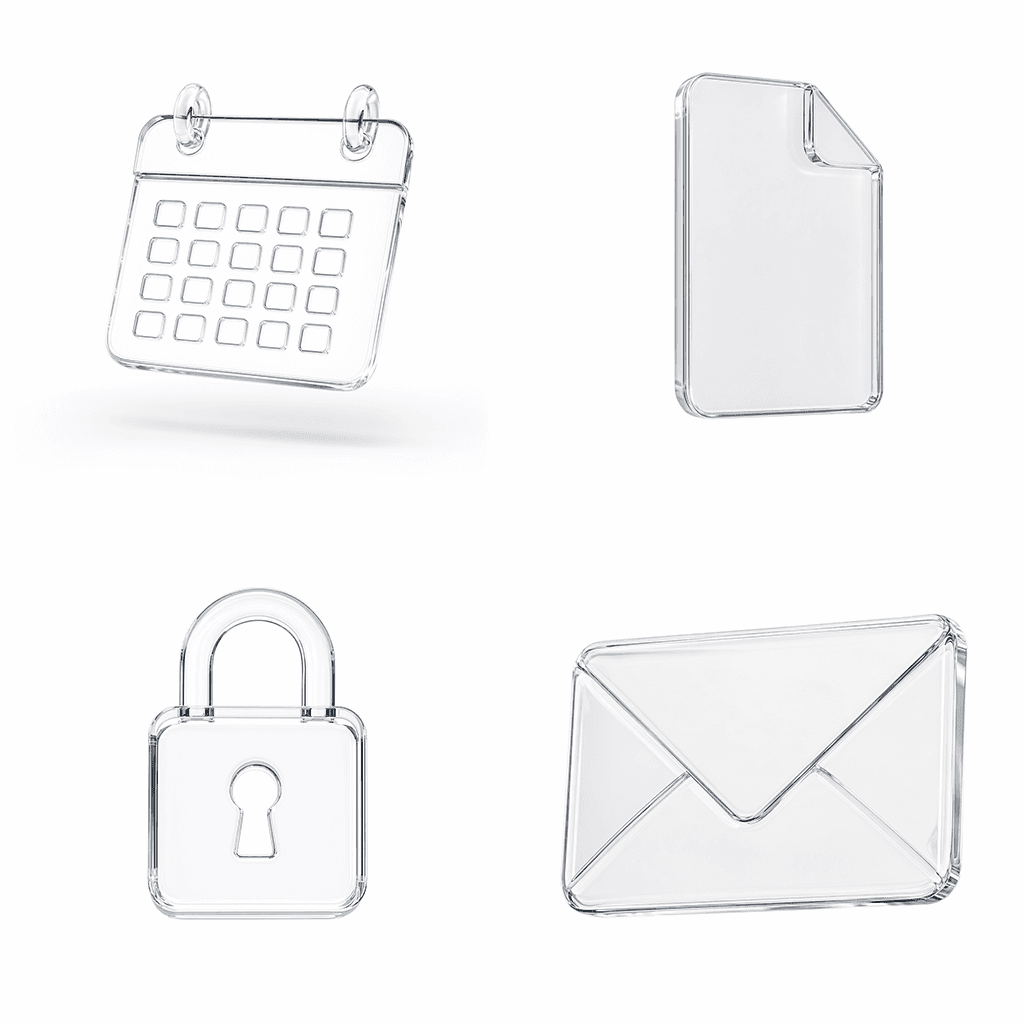
Create a clean square icon concept for a calendar app.
Style: transparent glass, soft studio lighting, realistic reflections.
Keep it simple and centered.
Avoid text, extra symbols, and busy backgrounds.
Create a warm background image for a skincare brand moodboard.
Subject: morning light on cream fabric and pale stone.
Style: soft editorial photography.
No product, no text, no people.Use Canvas For Small Edits
If the first result is close, do not always regenerate from scratch.
Open it in Nenis Canvas and ask for a focused edit:
- Make the background warmer.
- Remove one distracting object.
- Add more negative space.
- Turn the object slightly.
- Make the lighting softer.
That is often cheaper creatively than starting over with a bigger prompt.
When To Move Up
Mini is the wrong model when the image has real production constraints.
Move to GPT Image 1.5 or GPT Image 2 when you need:
- Strong reference preservation.
- Readable words inside the image.
- A polished ad or poster.
- A product mockup with careful details.
- Better instruction following across many constraints.
- A final asset for a public launch.
Mini finds the direction. The bigger models make it dependable.
The takeaway
GPT Image 1 Mini is not the prestige pick. It is the useful one when the page is blank.
Use it for rough ideas, simple assets, style tests, and low-cost creative exploration. Keep the prompt compact. Avoid asking for too much text or production detail. Then move the winning direction into GPT Image 1.5 or GPT Image 2 when it needs to grow up.
In Nenis, GPT Image 1 Mini is the OpenAI model for making the first good decision.
Sources and image credits
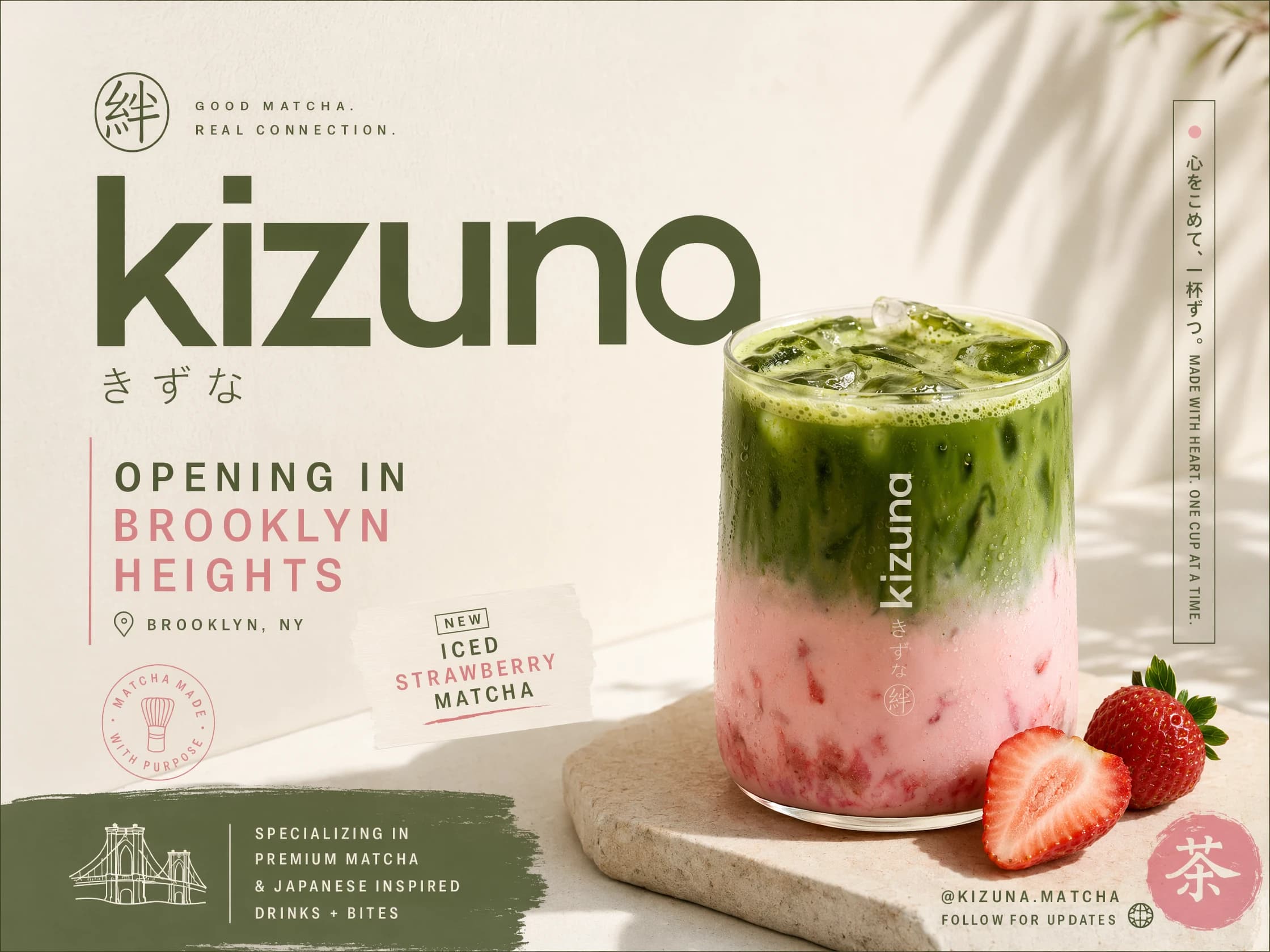
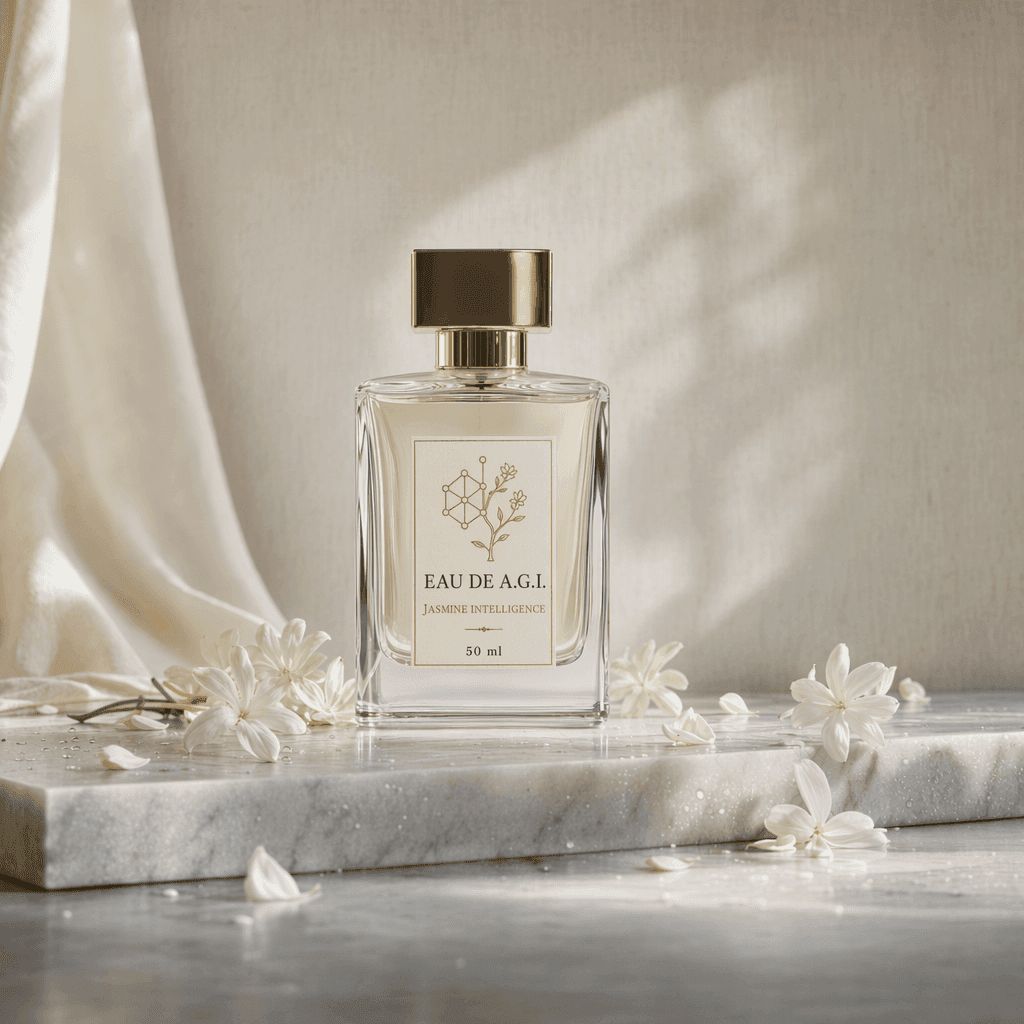
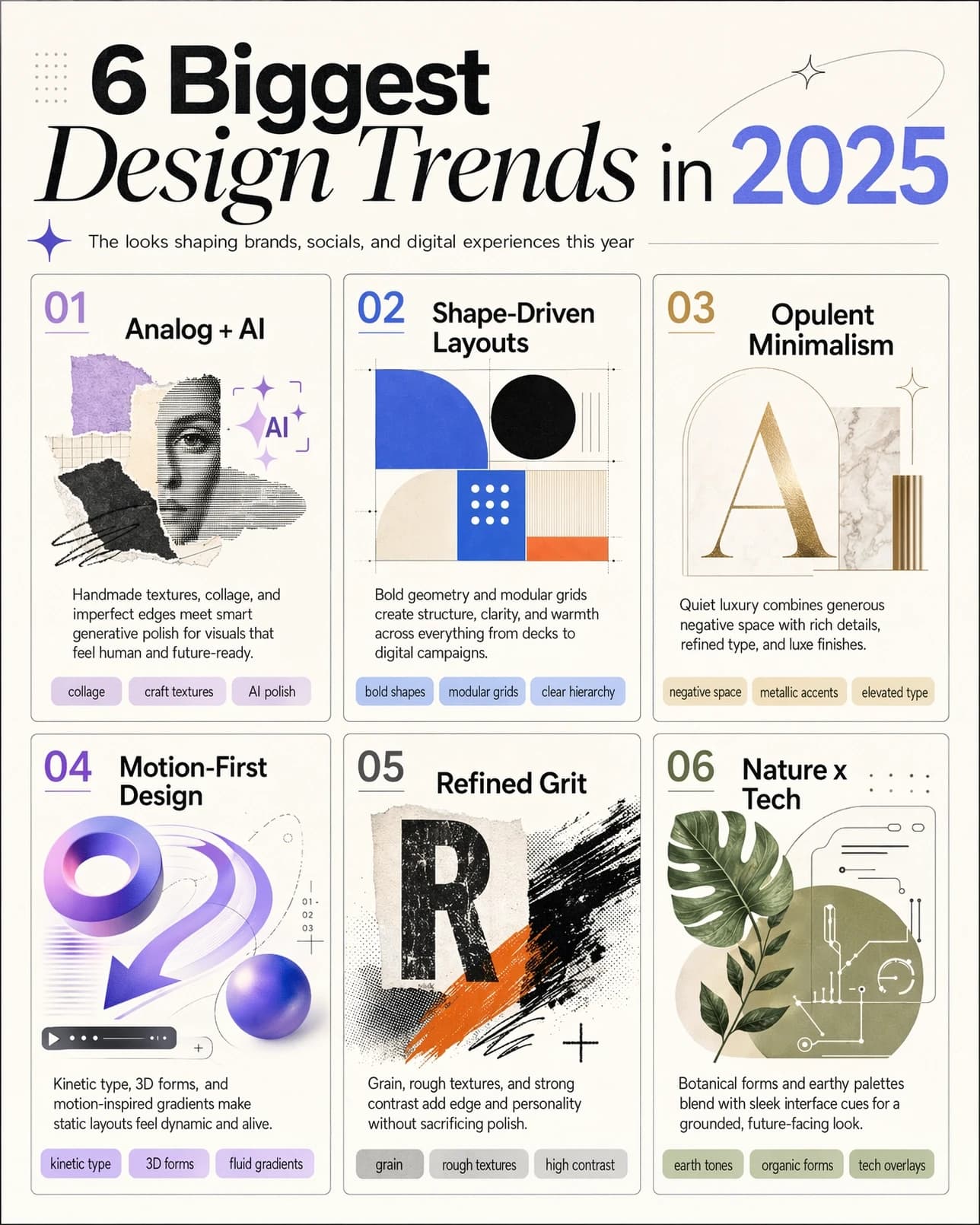
This article is based on OpenAI's official GPT Image 1 Mini model card and OpenAI's image generation guide. Images are official OpenAI examples from the API documentation.