GPT Image 1.5: The OpenAI Model for Better Creative Control in Nenis
A practical guide to GPT Image 1.5 in Nenis: when to use OpenAI's mid-tier image model for product mockups, reference images, polished drafts, text, and controlled edits.
GPT Image 1.5 is the OpenAI model for the moment when your idea stops being a sketch and starts needing taste.
It sits in a useful place inside Nenis: stronger and more dependable than GPT Image 1 Mini, but less expensive than GPT Image 2. In Nenis, it costs 25 credits per output, which makes it a good middle model for polished drafts, product concepts, reference work, and serious iteration.
The Job Of GPT Image 1.5
Mini is for volume. GPT Image 2 is for final polish.
GPT Image 1.5 is for the middle: the place where you already know the general direction, and now you need the model to follow the brief more carefully.
Use it when you want:
- Better product concepts.
- Stronger image-to-image results.
- More controlled visual style.
- More dependable object and scene details.
- Drafts that are good enough to evaluate seriously.
- A model that can handle more creative instructions than Mini.
GPT Image 1.5 is the model for making a promising idea look real.
Best Uses In Nenis
| Use case | Why GPT Image 1.5 fits |
|---|---|
| Product mockups | Better visual polish and more reliable object presentation |
| Reference-image creation | Useful when uploaded images should guide the result |
| Lifestyle scenes | Stronger mood, lighting, and composition than cheap drafts |
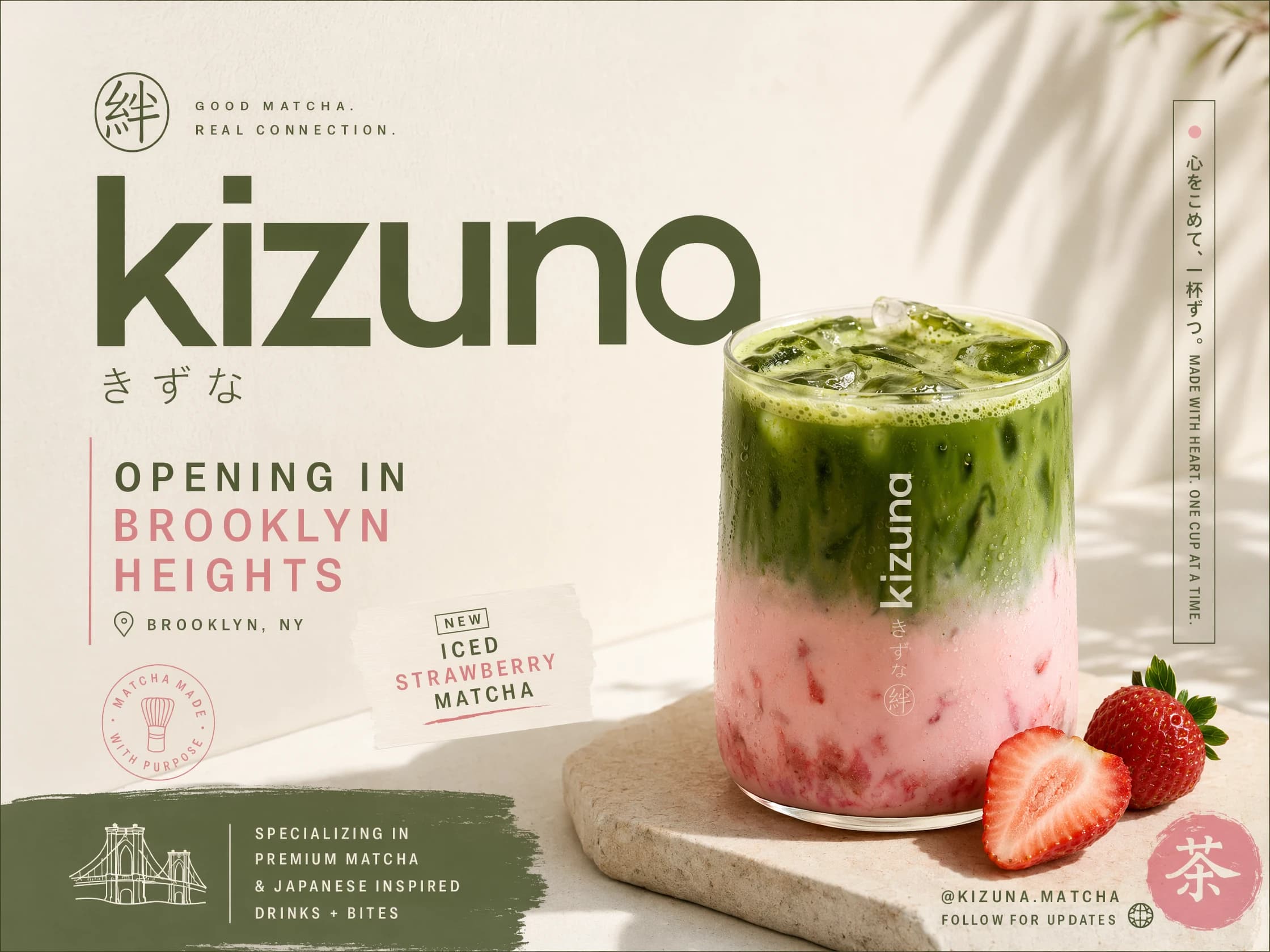
| Polished social assets | Good for ads, thumbnails, and creator posts that still need iteration |
| Controlled edits | Useful in Canvas when an image needs a thoughtful change |
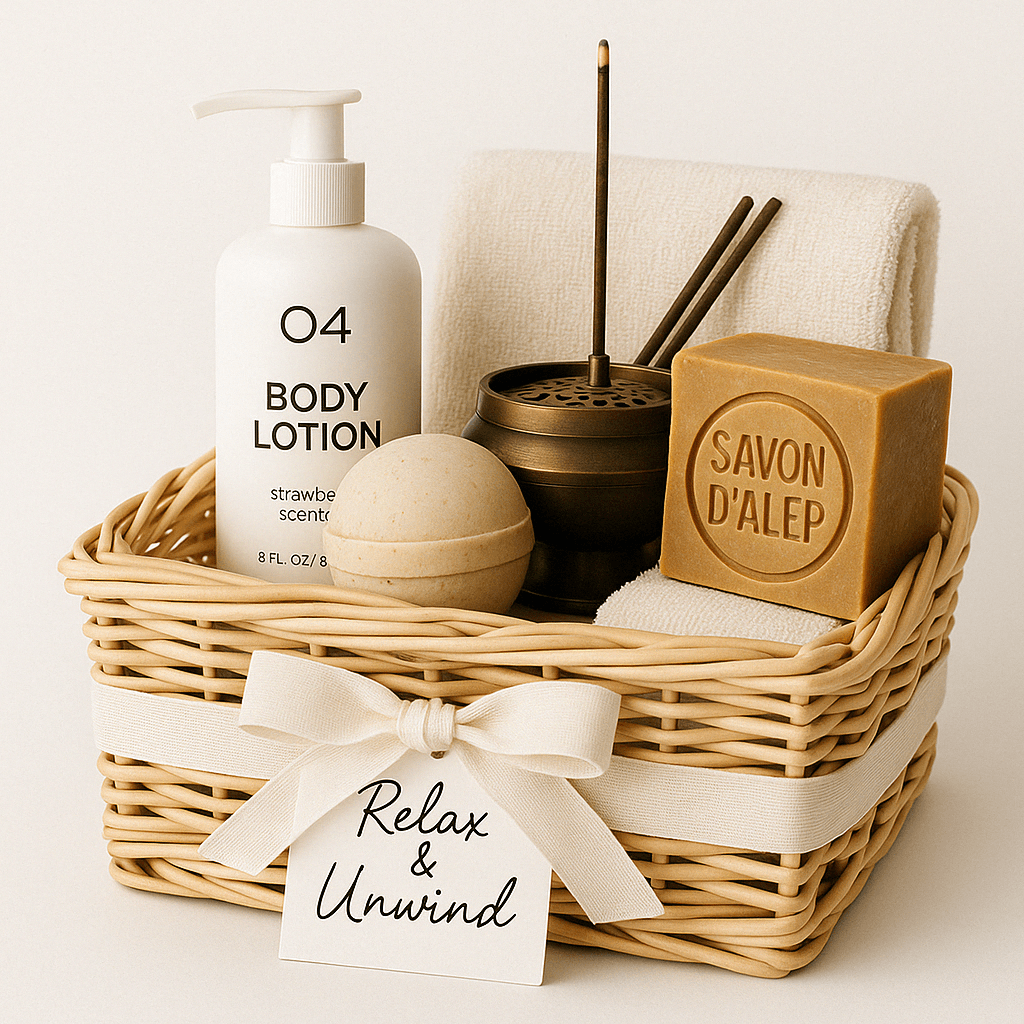
Think In Briefs, Not Wishes
GPT Image 1.5 works best when you give it a clear creative brief.
Weak:
Make this product look premium.Better:
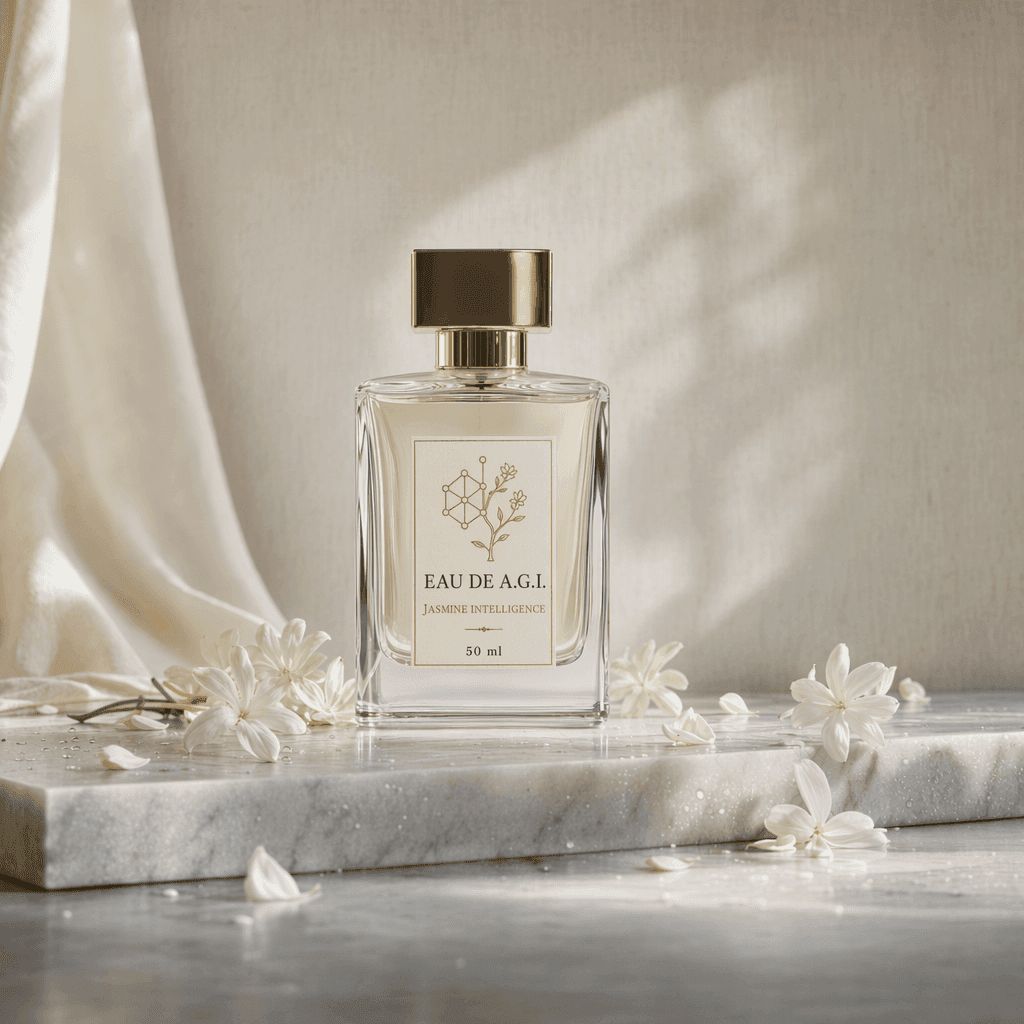
Create a premium ecommerce product photo for the uploaded perfume bottle.
Keep the bottle shape, cap, label area, and glass material intact.
Set it on pale marble with soft morning light and white jasmine flowers.
Style: clean luxury skincare editorial.
Avoid extra bottles, unreadable label text, and harsh shadows.
The model cannot protect details you never named.
Product And Brand Work
GPT Image 1.5 is especially useful for creator and small-brand assets:
- Launch visuals.
- Packaging directions.
- Product-on-background scenes.
- Lifestyle ecommerce images.
- Ad concepts.
- Simple label or sign mockups.
It can help you move from "rough AI image" to "this might become a campaign direction."
That does not mean you should blindly publish every output. Proofread text, inspect logos, and check product details. But as a creative model inside Nenis, GPT Image 1.5 is a very useful proving ground.
Editing Existing Images
OpenAI's image generation guide covers image edits, reference images, masks, and multi-turn workflows through the Image API and Responses API. In Nenis, the practical place for that creator workflow is Canvas.
Use GPT Image 1.5 in Canvas when an image is close but needs a controlled change:
- Replace a background.
- Improve lighting.
- Add a prop.
- Change styling.
- Make a product scene more editorial.
- Convert a rough concept into a cleaner visual.
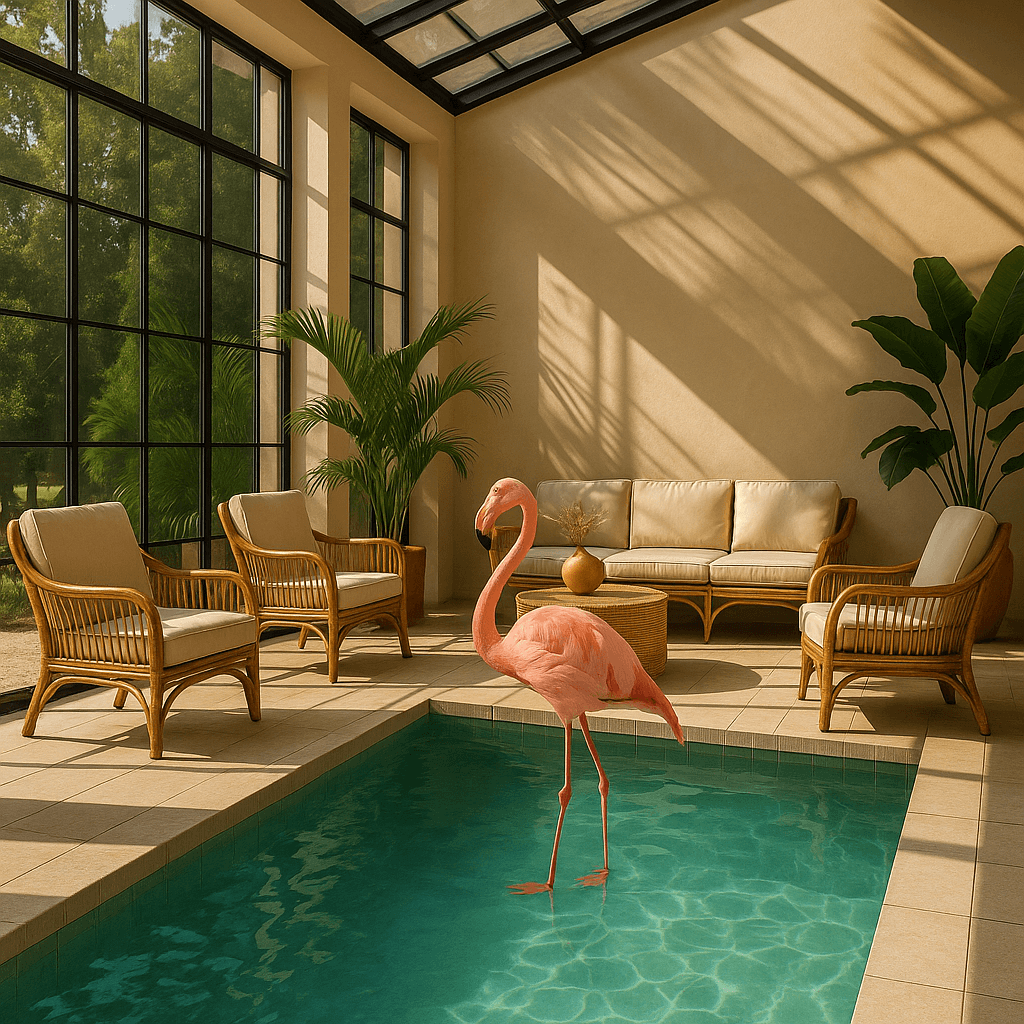
When To Use GPT Image 1.5 Instead Of Mini
Choose GPT Image 1.5 when Mini starts feeling too loose.
That usually happens when:
- The subject changes too much.
- The style is close but not controlled.
- You need better lighting or composition.
- Reference images matter.
- The output needs to be presentable, not just exploratory.
Mini is where you hunt for ideas. GPT Image 1.5 is where you ask the idea to behave.
When To Use GPT Image 2 Instead
Move up to GPT Image 2 when the image has stricter production requirements.
Use GPT Image 2 if:
- Text accuracy is central.
- The layout is complex.
- The image is a final brand or campaign asset.
- You need the best OpenAI option for high-fidelity inputs.
- The prompt contains many constraints at once.
GPT Image 1.5 is not a downgrade. It is the model for serious drafts before final polish.
Prompt Formula
Use this compact structure:
Create [asset type] for [use case].
Use the uploaded image as [product/subject/style/reference].
Composition: [camera angle, crop, placement].
Style: [visual mood and material details].
Lighting: [soft studio, morning sun, cinematic, etc.].
Text in image: "[exact text]" if needed.
Preserve: [important details].
Avoid: [common mistakes].
Example:
Create a square product ad for the uploaded candle.
Use the candle as the exact product reference.
Composition: centered product on a stone plinth with negative space above.
Style: warm editorial photography, soft winter gift mood.
Text in image: "Small Batch Winter Drop" near the top.
Preserve: jar shape, label area, wax color, and lid material.
Avoid: misspelled text, extra candles, fake logos, and distorted glass.
The takeaway
GPT Image 1.5 is the practical OpenAI workhorse in Nenis.
It is more capable than Mini, less expensive than GPT Image 2, and well-suited to the part of creative work where you already have a direction but still need options.
Use GPT Image 1.5 for polished drafts, product concepts, reference-led generation, and controlled edits. Save GPT Image 2 for the final pass.
Sources and image credits
This article is based on OpenAI's official GPT Image 1.5 model card and OpenAI's image generation guide. Images are official OpenAI examples from the API documentation.