Seedream 4: The Fast ByteDance Image Model for Creator Drafts
A practical guide to Seedream 4 in Nenis: when to use ByteDance's fast image model for low-cost generation, reference experiments, image sets, and early creative drafts.
Seedream 4 is the model to use when you need useful images without making every generation feel precious.
In Nenis, Seedream 4 costs 4 credits per output, which makes it one of the best choices for fast creative exploration: drafts, variations, reference experiments, image sets, and early campaign directions.
It is not only a text-to-image model. ByteDance Seed describes Seedream 4.0 as a unified model for image generation and editing, with support for text, images, and combinations of both.
The Short Version
Use Seedream 4 when the image is still in discovery mode.
| Use Seedream 4 for | Why it fits |
|---|---|
| Fast drafts | Low Nenis credit cost makes iteration easier |
| Reference experiments | Supports text and image inputs for flexible creation |
| Image sets | Useful for related visuals, seasonal concepts, and campaign directions |
| Sketch-to-visual work | Good for turning rough ideas into concrete images |
| Early Canvas edits | Practical when the image needs a quick targeted change |
Seedream 4 is the model for getting to the first good direction quickly.
What Seedream 4 Can Do
Official ByteDance materials describe Seedream 4.0 as a multimodal creative engine with generation and editing in one architecture.
The useful Nenis translation:
- Generate images from text.
- Use one or more reference images.
- Edit an existing image.
- Combine multiple images into a new result.
- Generate related image sets.
- Work with custom sizes and high-resolution output.
BytePlus documentation lists Seedream 4.0 output resolution from 1k to 4k and describes support for multi-reference image-to-image generation and group image generation.
Why It Is Good For Drafts
Drafting is where many creators waste credits.
You ask for one final-looking image, dislike the composition, ask again, dislike the lighting, ask again, then realize the prompt direction was wrong from the start.
Seedream 4 is useful because it keeps early exploration lighter.
Use it to answer questions like:
- Should this be a product photo or an illustration?
- Does this campaign work better as portrait or landscape?
- Should the scene feel clean, playful, cinematic, or handmade?
- Which reference image actually helps?
- Does the subject survive the edit?
Good Seedream 4 Prompts Are Specific, Not Fancy
The BytePlus prompt guide for Seedream 4.0 and 4.5 recommends clear natural language and notes that concise, precise prompts often work better than repeating ornate vocabulary.
That is the right mindset.
Weak:
Make a beautiful premium amazing cinematic poster.Better:
Create a square product concept for a small outdoor gear brand.
Subject: a compact green camping mug on a wet wooden table.
Style: realistic product photography, early morning forest light.
Mood: practical, durable, calm.
Avoid text, logos, extra products, and busy backgrounds.
The second prompt gives the model a job.
Reference Work
Seedream 4 is especially useful when you want to test references before moving to a more controlled model.
Use this structure:
Use image 1 as the exact product reference.
Use image 2 only for lighting and color mood.
Create a square social image.
Keep the product shape and main color unchanged.
Do not copy the background from image 2 exactly.
For multiple references:
Use image 1 for the character.
Use image 2 for the outfit.
Use image 3 for the illustration style.
Create a simple poster concept with the character standing in a city street.
Preserve the character's face shape and hairstyle.Image Sets And Campaign Directions
BytePlus documentation describes Seedream 4.0 image set generation for related images based on text and image inputs.
In Nenis, that makes Seedream 4 useful for:
- Seasonal product directions.
- Thumbnail variations.
- Character pose ideas.
- Emoji or sticker pack concepts.
- Before-and-after visual directions.
- Campaign mood exploration.
The goal is not to publish every output. The goal is to find the visual family worth developing.
Use Canvas When The Draft Is Close
If Seedream 4 gives you a result that is almost right, bring it into Canvas instead of starting over.
Good Canvas requests:
- Remove the extra object on the left.
- Change the background to a soft studio wall.
- Make the product larger.
- Add more negative space at the top.
- Keep the subject unchanged, only adjust the lighting.

When To Use Seedream 4.5 Instead
Move to Seedream 4.5 when the prompt needs more control.
Use Seedream 4.5 if:
- You care more about preservation.
- The edit is specific.
- You are combining several references.
- The visual identity needs to stay consistent.
- The result should be a polished draft, not just an exploration.
Seedream 4 is for speed. Seedream 4.5 is for control.
The takeaway
Seedream 4 is a practical creator model because it makes early image work less heavy.
Use it when you want quick drafts, reference experiments, image sets, and fast visual answers. Keep prompts concise. Tell the model what to preserve. Move up only when the idea deserves more control.
In Nenis, Seedream 4 is the ByteDance model for exploring without overthinking every output.
Sources and image credits
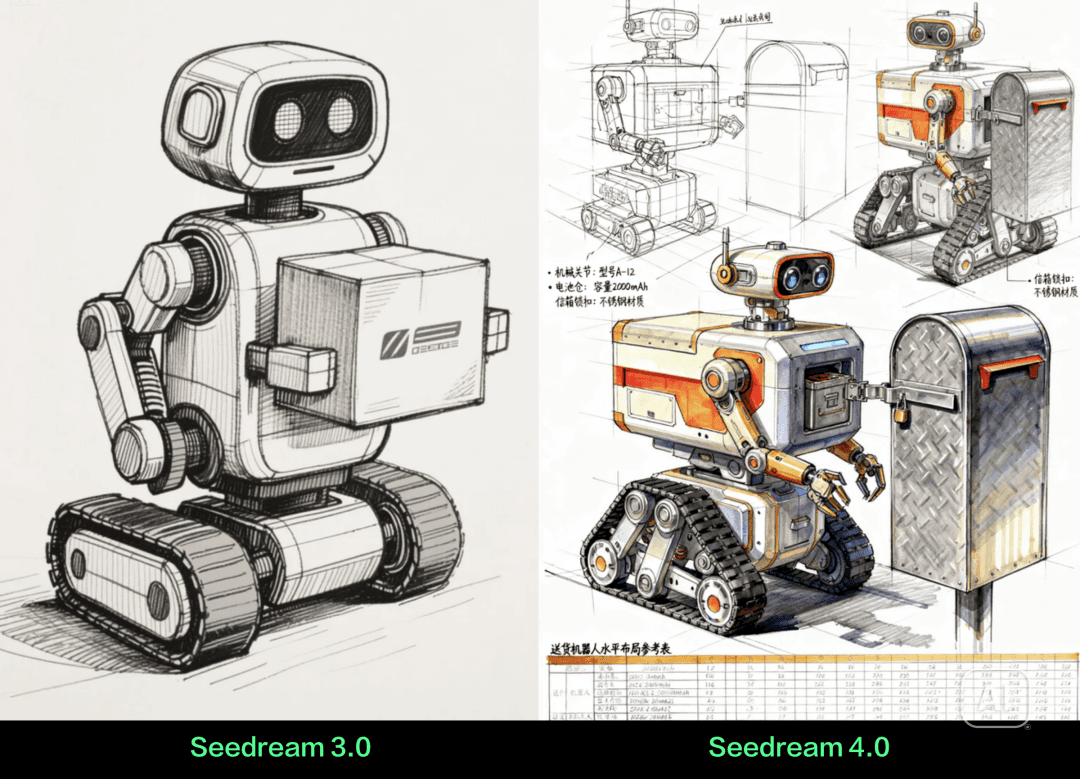
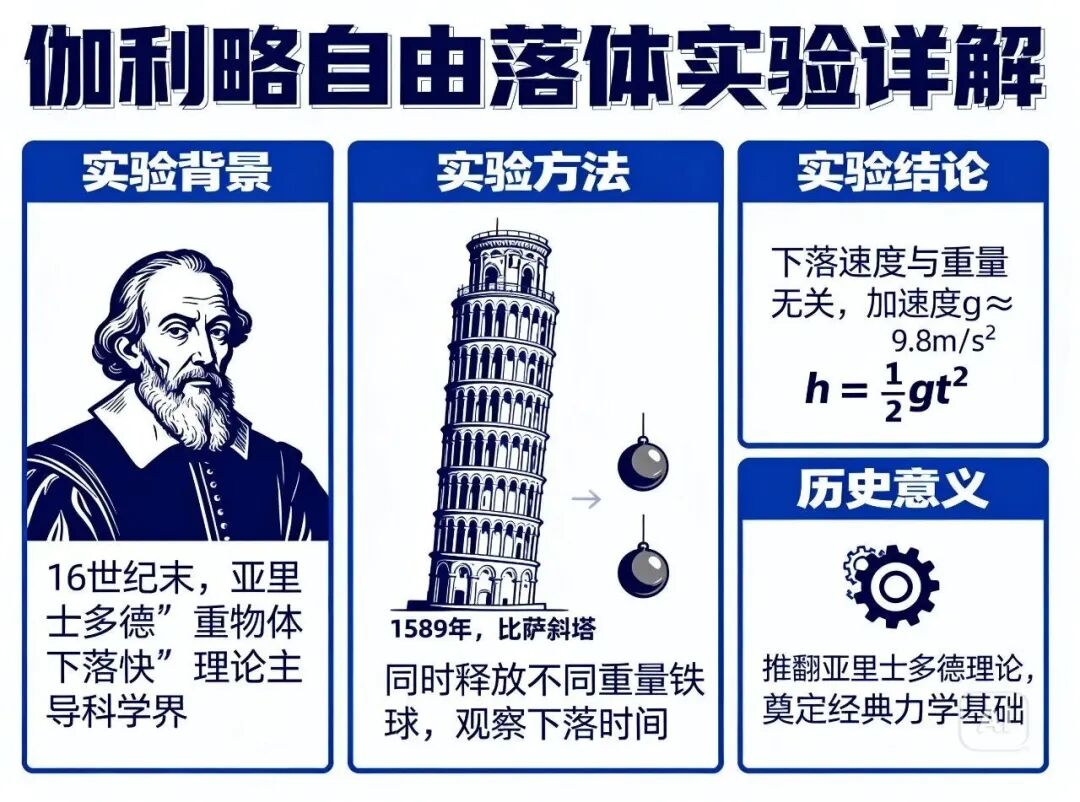
This article is based on ByteDance Seed's official Seedream 4.0 launch post, the official Seedream 4.0 product page, BytePlus ModelArk Seedream 4.0 documentation, and the BytePlus Seedream 4.0-4.5 prompt guide. Images are official ByteDance Seedream examples.