Nano Banana Pro: When to Use Gemini 3 Pro Image for Production-Ready AI Visuals
A practical guide to Nano Banana Pro in Nenis: how Gemini 3 Pro Image helps create readable posters, infographics, packaging mockups, multi-reference edits, and 4K visual assets.
Some AI image models are great for quick experiments. Nano Banana Pro is the model you reach for when the image has to survive the real world.
A poster needs readable text. A product mockup needs the logo to stay intact. An infographic needs labels that make sense. A campaign visual needs the same character, product, or brand identity across multiple variations.
That is where Nano Banana Pro matters.
Built on Google's Gemini 3 Pro Image model, Nano Banana Pro is designed for higher-fidelity image generation and editing: stronger reasoning, better world knowledge, more accurate text rendering, richer creative controls, and higher-resolution output.
In Nenis, it is the premium Google image model for the jobs where "pretty good" is not good enough.
The Short Version
Use Nano Banana Pro when you want a finished visual asset, not just an interesting image.
| Use Nano Banana Pro for | Why it helps |
|---|---|
| Posters and ads | Better text rendering and layout control |
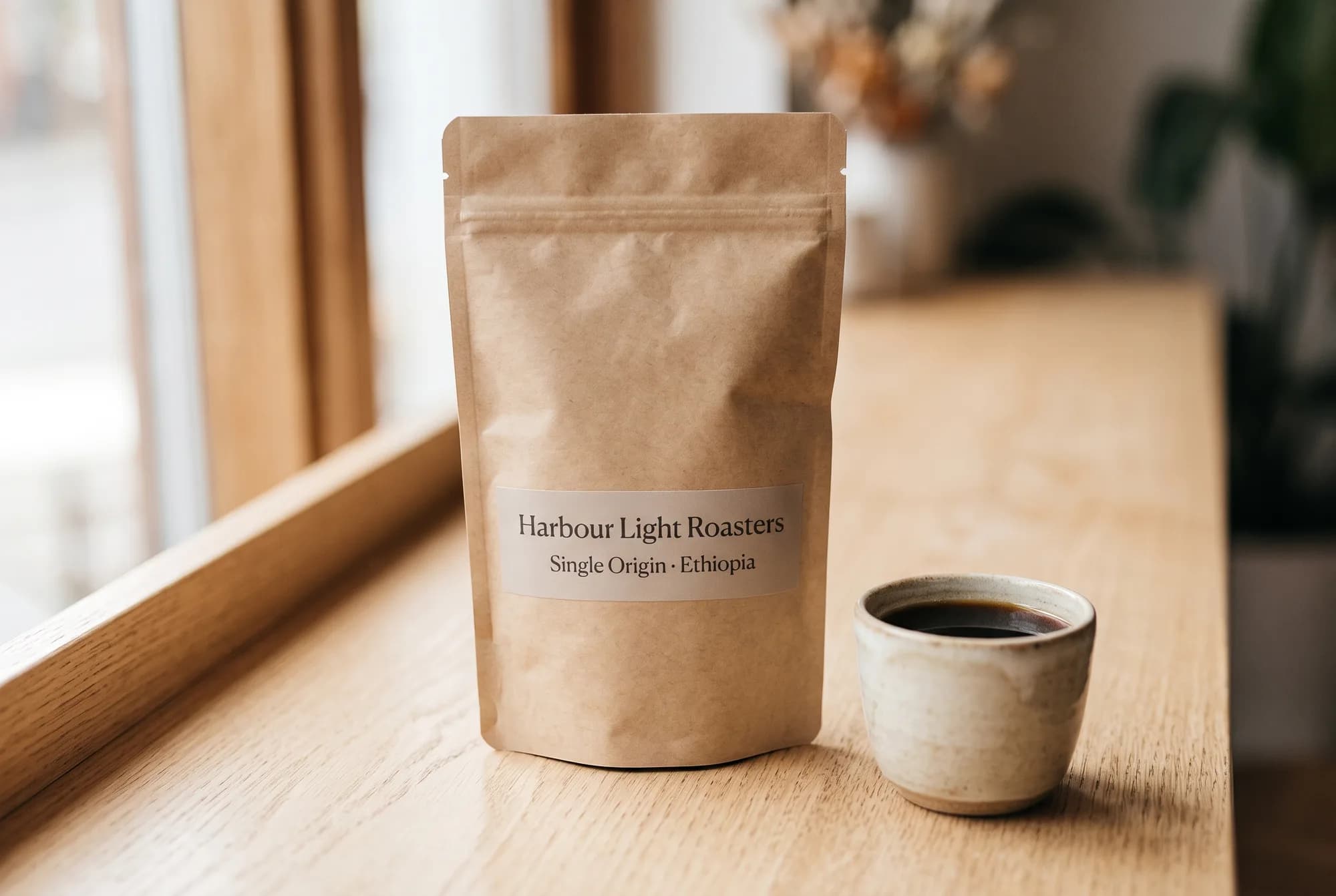
| Product mockups | Stronger preservation of logos, shapes, and packaging details |
| Infographics | More useful visual reasoning and world knowledge |
| Multi-image edits | Better handling of multiple references and subject consistency |
| Brand visuals | More control over lighting, color, camera, and composition |
| Final assets | Resolution options up to 4K in Nenis |
What Makes Nano Banana Pro Different?
Google introduced Nano Banana Pro as Gemini 3 Pro Image, a state-of-the-art image generation and editing model built on Gemini 3 Pro.
The important shift is not just visual quality. It is reliability.
Nano Banana Pro is better at turning a detailed prompt into a controlled image. That means it can follow more constraints at once: what the subject is, what should stay unchanged, where text should appear, how the lighting should feel, which reference image controls the style, and what final format the asset needs.
That makes it especially useful for creators who are making work with a purpose:
- A founder making launch visuals.
- A marketer creating ad concepts.
- A creator making thumbnails and social graphics.
- A shop owner testing product packaging ideas.
- A designer turning rough notes into a visual direction.
Text Rendering Is The Big Unlock
Text is where many AI image tools still wobble.
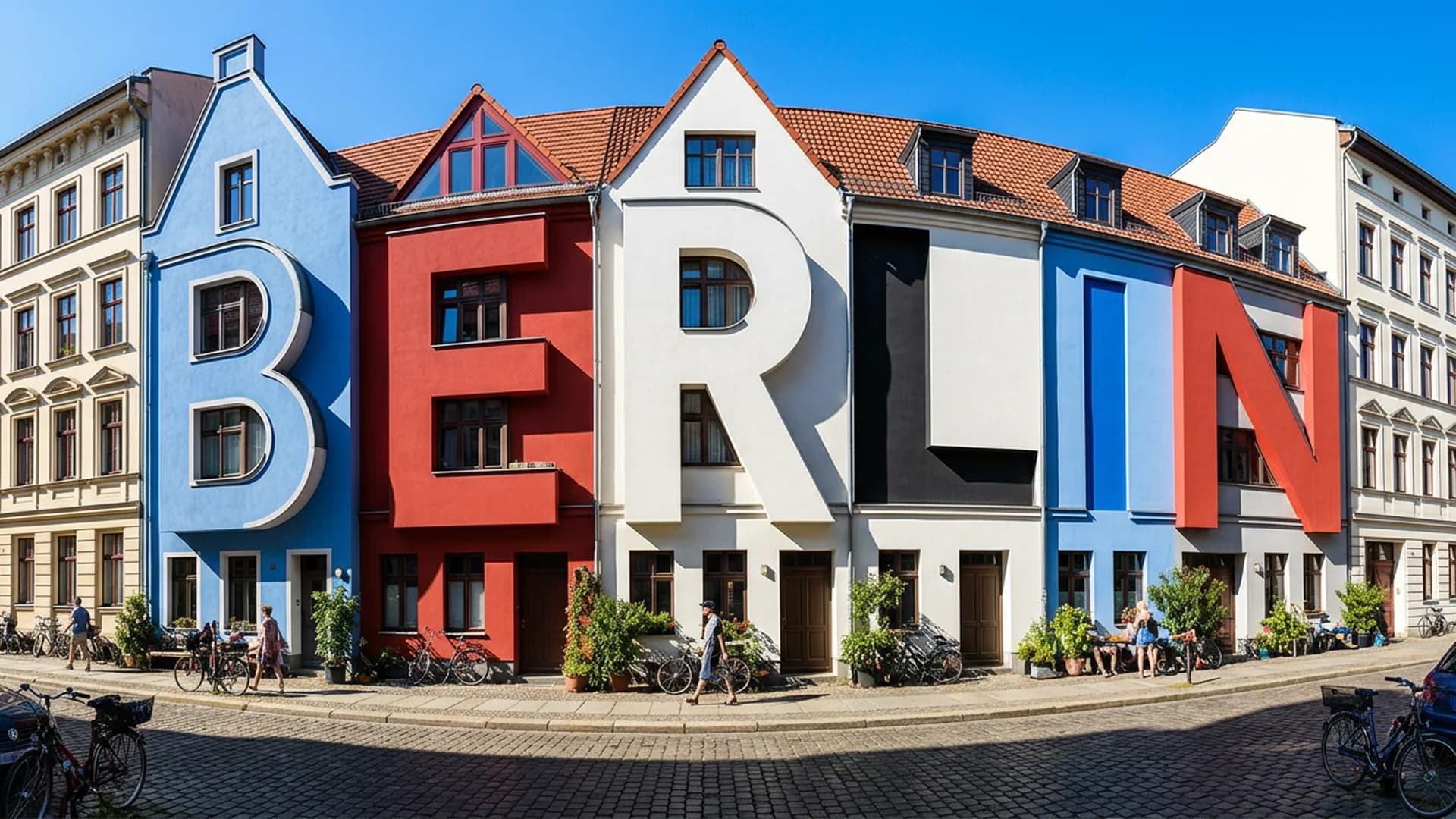
They can create beautiful scenes, but the poster headline turns into nonsense. They can invent a great product shot, but the label becomes unreadable. They can produce a polished flyer, but the event date looks like a typo from another planet.
Nano Banana Pro is built to handle text more seriously.
That opens up practical assets like:
- Launch posters with headlines and taglines.
- Packaging mockups with product names and flavor labels.
- YouTube thumbnails with readable hooks.
- Educational diagrams with captions.
- Localized product visuals with translated text.
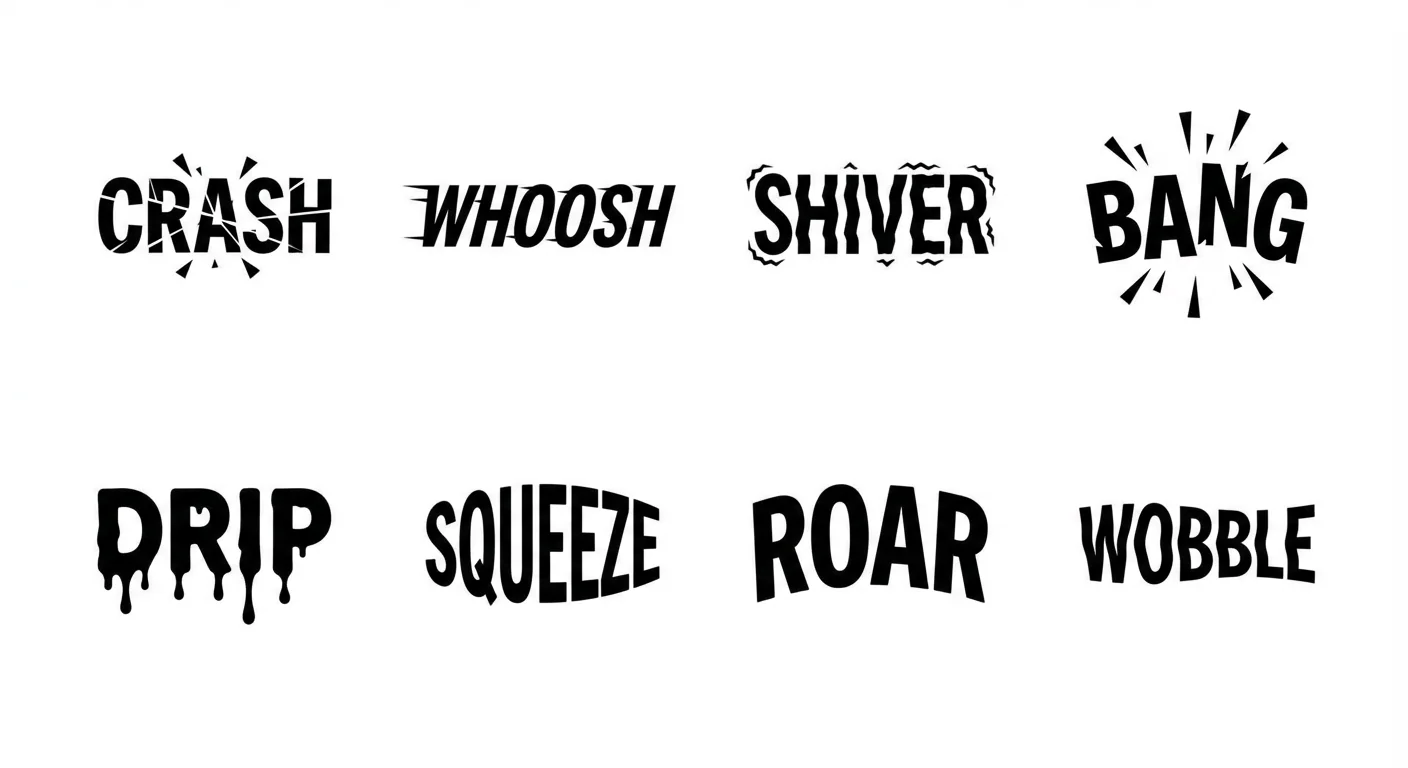
This does not mean every letter will always be perfect. Public-facing work still deserves review. But it does mean text can become part of the prompt instead of something you automatically fix later.
It Is Stronger At Visual Explanation
Nano Banana Pro also benefits from Gemini 3 Pro's reasoning and world knowledge.
That matters when the image is supposed to explain something. A normal image model can create a beautiful "science poster." A stronger reasoning model is better suited for a visual that has steps, labels, structure, and context.
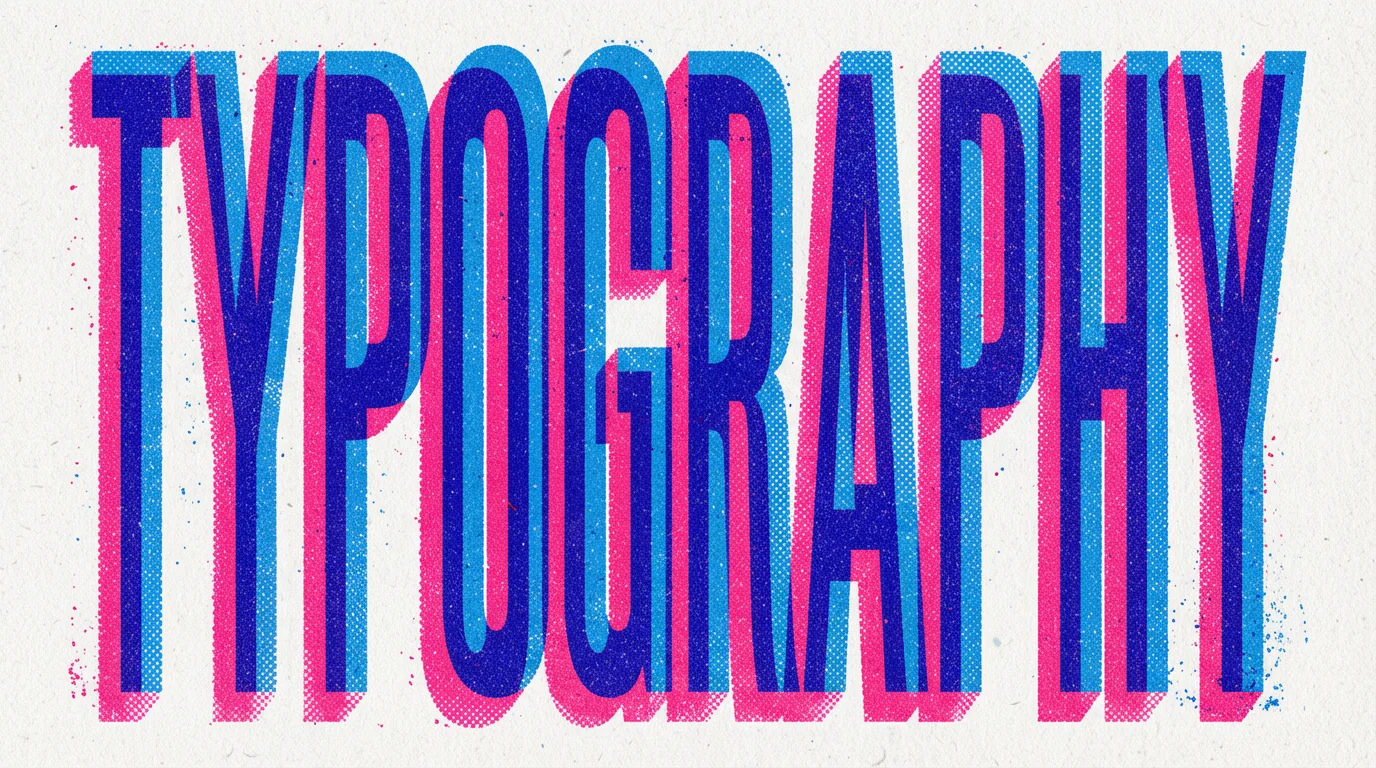
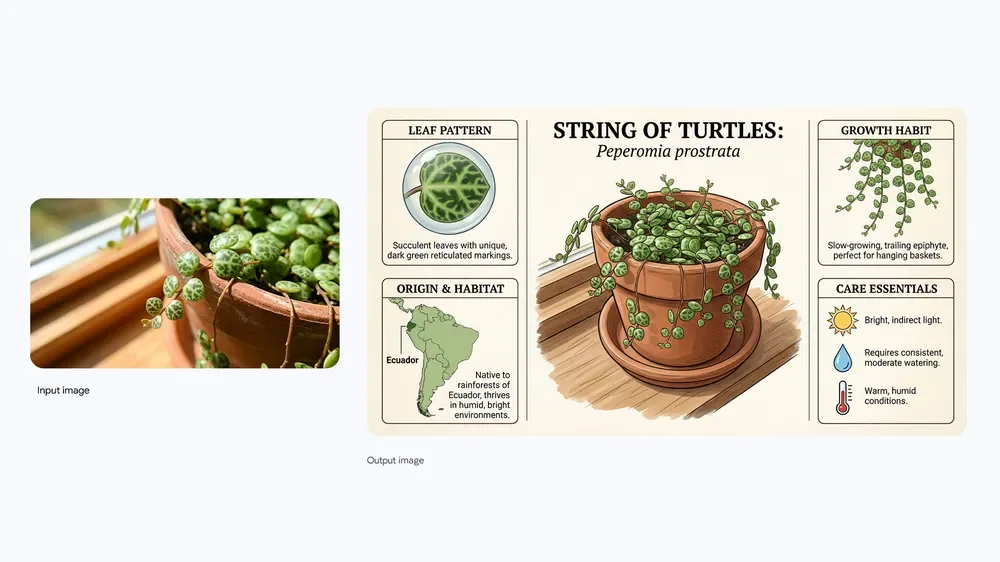
Use it for:
- Recipe cards and how-to graphics.
- Classroom explainers.
- Product comparison visuals.
- Founder pitch deck graphics.
- Social infographics.
- Concept diagrams from rough notes.
Multi-Image Inputs Make It Feel Like A Creative Brief
One of the best ways to use Nano Banana Pro is with reference images.
In Nenis, Nano Banana Pro supports up to 14 input images, which makes it much more flexible than a simple one-image edit. You can upload a product photo, logo, mood reference, background reference, packaging example, character reference, and typography direction.
The model can then treat those images as parts of a brief.
The key is to tell it what each reference should control:
Use image 1 as the exact product reference.
Use image 2 as the background and lighting mood.
Use image 3 as the typography direction.
Keep the logo, bottle shape, cap color, and label placement unchanged.
Create a premium ecommerce hero image with soft studio reflections.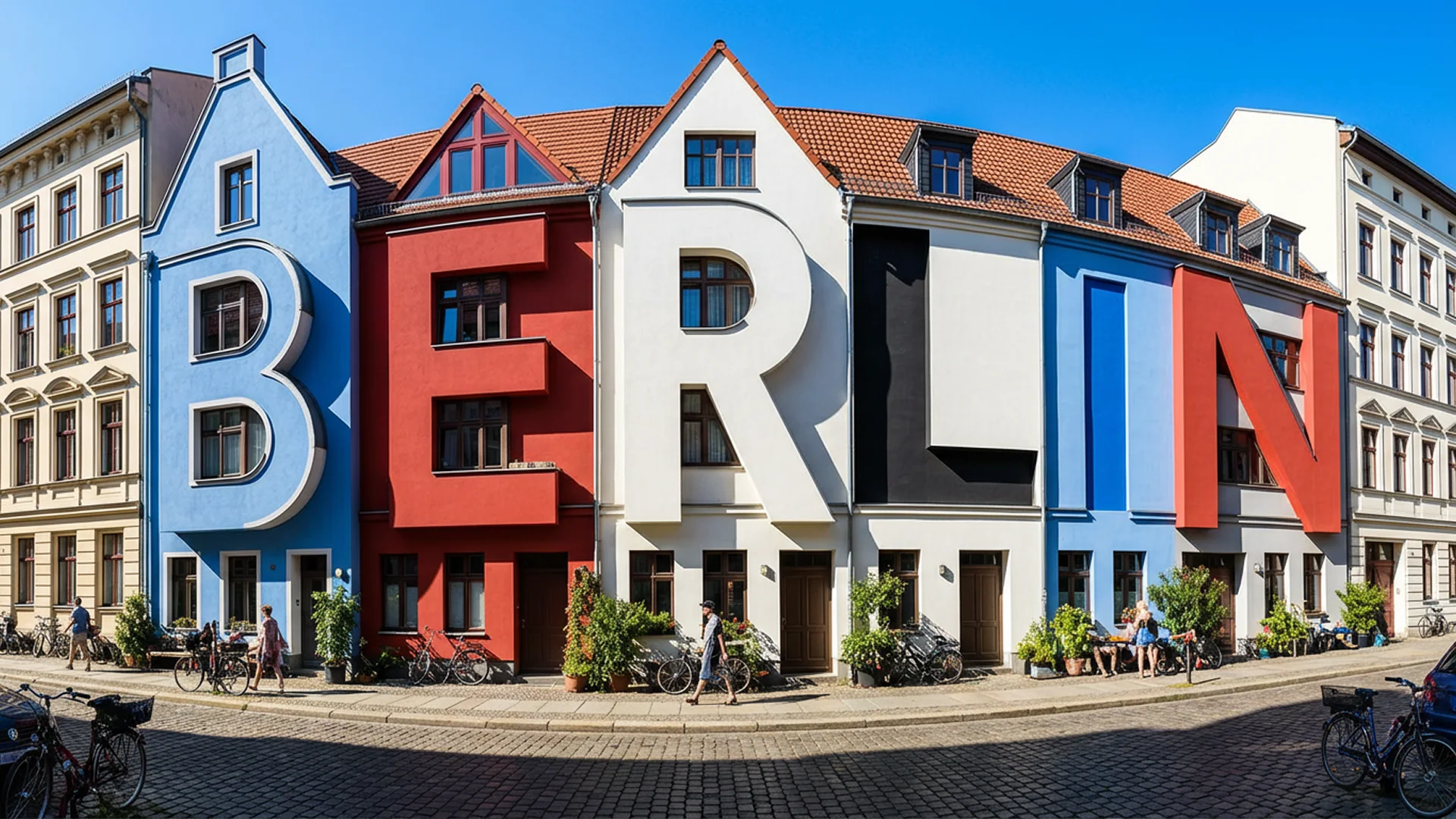
That kind of prompt is much better than "combine these images." The model needs roles, not just ingredients.
What Nano Banana Pro Supports In Nenis
Inside Nenis, Nano Banana Pro is configured for high-control image creation.
Current Nenis support includes:
- 1 to 10 outputs per job.
- Up to 14 input images.
- Common aspect ratios including square, portrait, landscape, widescreen, and social formats.
- Resolution choices: Standard, High, and Ultra.
- Ultra output mapped to 4K for sharper final assets.
This makes Nano Banana Pro a good fit for both generation and editing workflows.
Use it when you want to:
- Generate a polished image from scratch.
- Edit a product photo with strong preservation.
- Create a campaign concept from multiple references.
- Build an infographic or educational visual.
- Explore poster, thumbnail, or ad layouts with readable text.
- Produce a final higher-resolution image after testing prompts on faster models.
Prompt Formula For Better Nano Banana Pro Results
Nano Banana Pro responds well to structured prompts.
You do not need to write a massive paragraph. You need to give it the right sections.
Use this:
Create [asset type] for [use case].
Main subject: [subject or uploaded reference].
Composition: [camera angle, framing, aspect ratio].
Style: [visual style and mood].
Lighting: [lighting details].
Text in image: "[exact text]" placed [where/how].
Preserve: [identity, logo, product shape, colors, pose].
Avoid: [common mistakes].
Resolution: [Standard, High, or Ultra if needed].
Here is a full example:
Create a premium launch poster for a new matcha energy drink.
Use the uploaded can as the exact product reference.
Composition: vertical social ad, product centered, close enough to read the label.
Style: clean Japanese-inspired editorial design with soft paper texture.
Lighting: bright studio light with natural green shadows.
Text in image: "MATCHA FOCUS" as the main headline and "clean energy, calm mind" as the subtitle.
Preserve: can shape, logo, label layout, and green color.
Avoid: misspelled text, extra cans, warped logo, fake nutrition claims.
Resolution: Ultra.
When Not To Use Nano Banana Pro
Nano Banana Pro is powerful, but it is not always the most efficient choice.
Use a faster or lower-cost model first if:
- You are just exploring random ideas.
- The prompt has no text, logo, product, or preservation requirements.
- You need a quick background swap.
- The image is low-stakes or purely playful.
- You want to test many rough concepts before choosing a direction.
The takeaway
Nano Banana Pro is not just for making nicer images. It is for making images that have a job.
Use it when the visual needs to communicate clearly, preserve important details, include readable text, combine references, or become a final asset.
If the image has to look polished, follow instructions, and hold up outside the editor, Nano Banana Pro is the Google model to start with in Nenis.
Sources and image credits
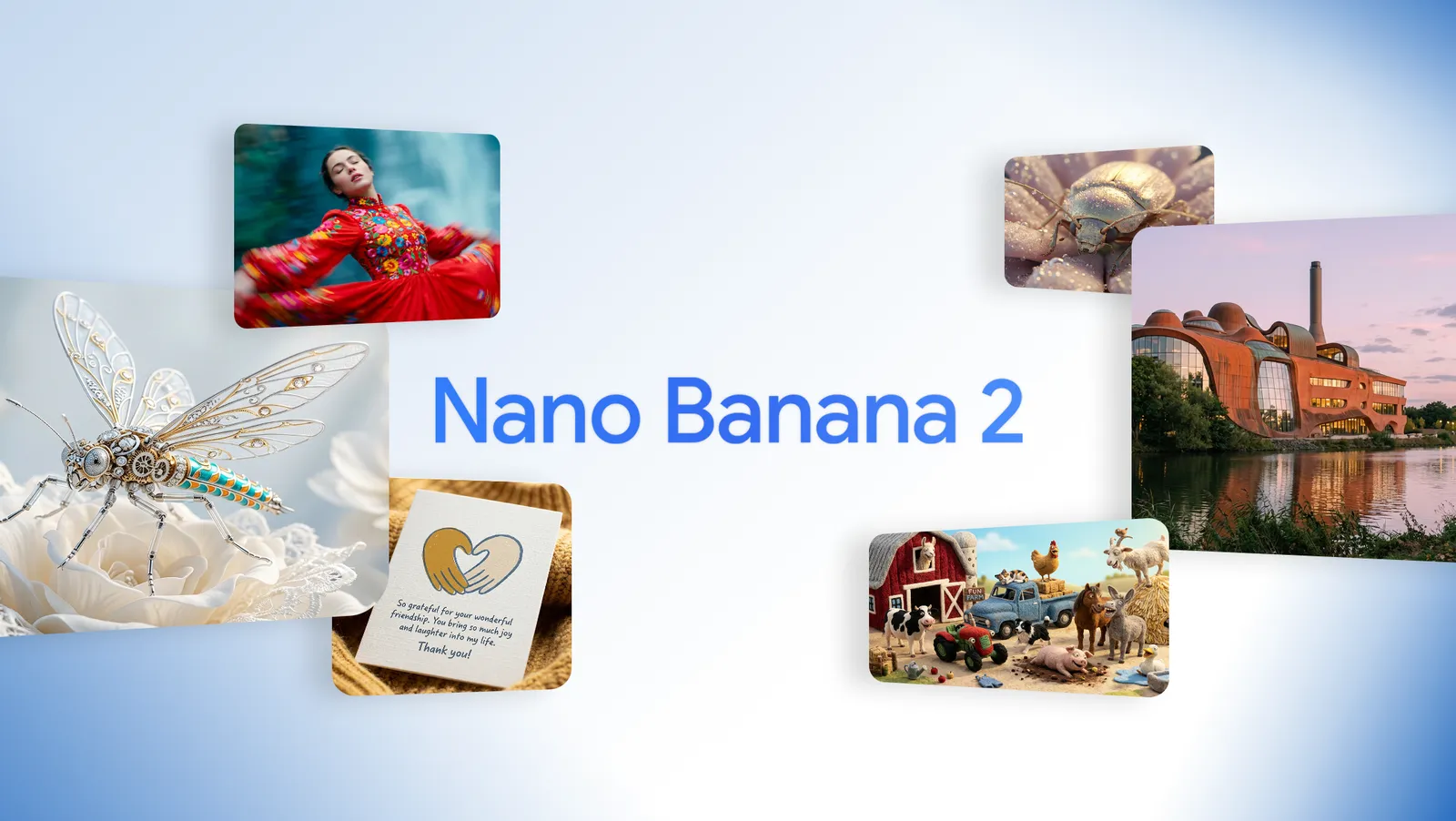
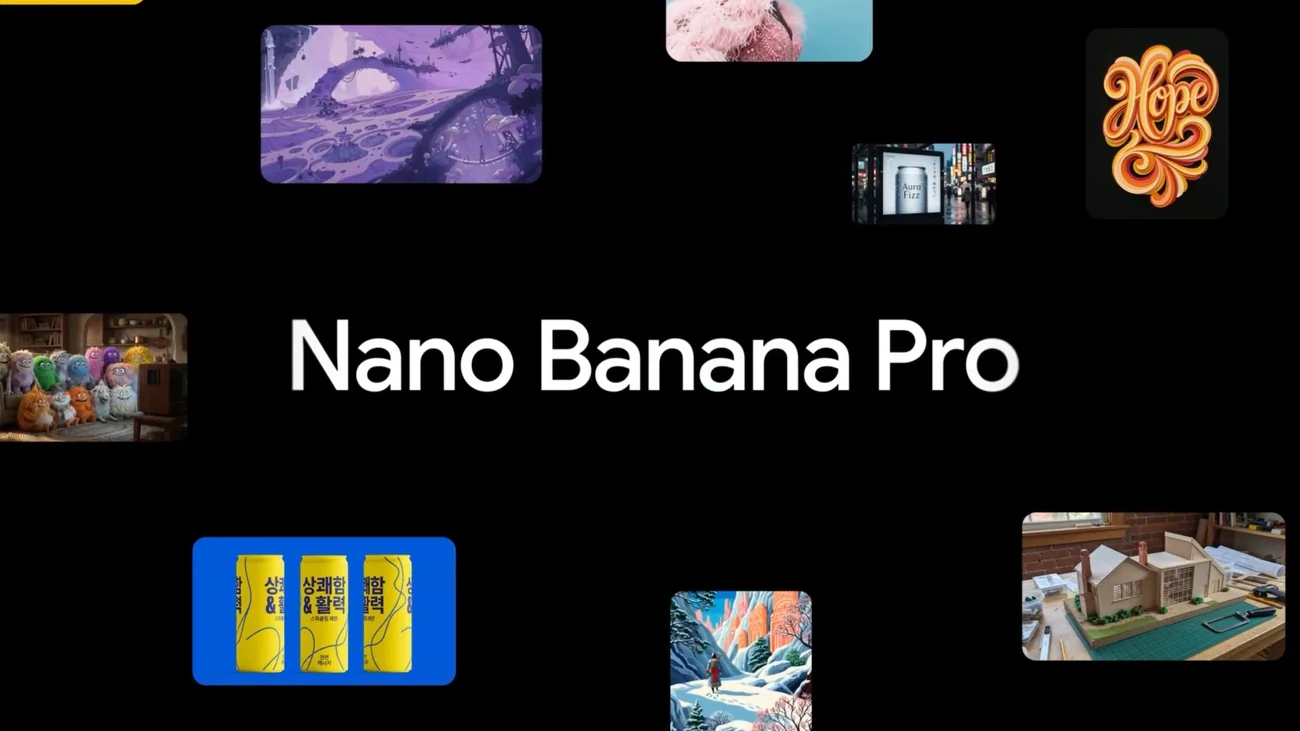
This article is based on Google's official Nano Banana Pro launch post, Google's Nano Banana Pro developer post, and Google's Nano Banana Pro prompting guide. Images are official Google examples from Nano Banana Pro launch materials.